Upgrade & Secure Your Future with DevOps, SRE, DevSecOps, MLOps!
We spend hours scrolling social media and waste money on things we forget, but won’t spend 30 minutes a day earning certifications that can change our lives.
Master in DevOps, SRE, DevSecOps & MLOps by DevOps School!
Learn from Guru Rajesh Kumar and double your salary in just one year.
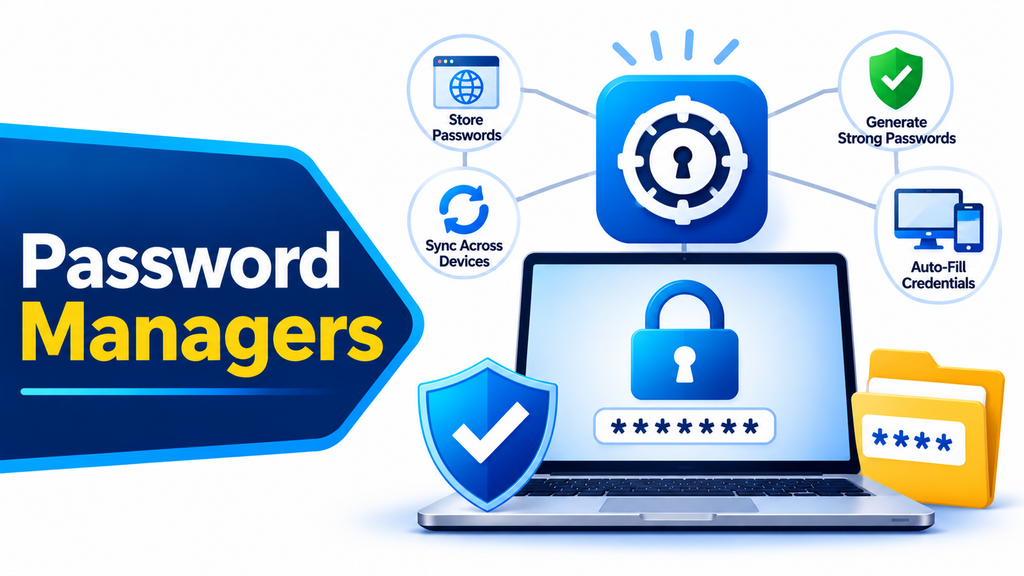
Password Managers are essential cybersecurity tools that help individuals and organizations securely store, organize, and manage login credentials. With users accessing numerous websites, applications, and business platforms, remembering unique and complex passwords for every account can become difficult. Password managers simplify this process while helping reduce security risks associated with weak, reused, or compromised passwords.
These tools use encrypted digital vaults to protect sensitive login information and provide convenient access across supported devices. Many solutions also include password generation, autofill, secure sharing, and data breach monitoring features.
How Password Managers Work
Password managers store usernames, passwords, and other sensitive credentials inside an encrypted vault. Users typically unlock the vault using a master password, biometric authentication, or another supported authentication method.
Once authenticated, users can retrieve saved credentials or automatically fill login forms on websites and applications. Most password managers also generate strong, unique passwords to reduce the risk of credential reuse and brute-force attacks.
Popular Password Manager Tools
Several established providers offer password management solutions for individuals, families, and businesses:
- 1Password: Provides encrypted password storage, secure sharing, access management, and business-focused security features.
- Bitwarden: Offers open-source password management, encrypted vaults, password generation, and secure credential sharing.
- Dashlane: Provides password storage, autofill, password health monitoring, and identity protection features.
- LastPass: Offers password vaults, credential sharing, autofill, and centralized password management for individuals and organizations.
- Keeper Security: Provides encrypted password management, secure file storage, privileged access capabilities, and enterprise security controls.
- NordPass: Offers encrypted credential storage, password generation, autofill, and data breach monitoring.
- Proton Pass: Provides encrypted password management, email aliases, secure sharing, and cross-device synchronization.
Key Features to Consider
When evaluating password management software, organizations should consider encryption standards, secure vault architecture, password generation, multi-factor authentication, and device synchronization.
Other important capabilities include password health reports, compromised credential alerts, secure sharing, administrative controls, access auditing, and emergency recovery options. Businesses should also evaluate integration with existing identity management and single sign-on systems.
Benefits of Password Managers
Password managers help users maintain strong and unique passwords without having to memorize every credential. They reduce password reuse, simplify login processes, and improve overall account security.
For organizations, centralized password management can support security policies, simplify credential sharing, and improve visibility into password practices. These tools are especially useful for businesses managing multiple applications, remote employees, and shared operational accounts.
How to Choose the Right Solution
The right password manager depends on the number of users, security requirements, supported devices, and administrative needs.
Individuals may prioritize simplicity, affordability, and synchronization, while businesses may require centralized administration, secure team sharing, access reporting, and policy enforcement. Organizations should compare encryption practices, recovery options, integration capabilities, usability, and pricing before selecting a platform.
Conclusion
Password Managers play an important role in protecting digital accounts and simplifying credential management. Solutions from 1Password, Bitwarden, Dashlane, LastPass, Keeper Security, NordPass, and Proton Pass provide different capabilities for securing passwords and sensitive login information. Choosing the right solution helps individuals and businesses strengthen account protection, improve productivity, and reduce password-related security risks.
