Upgrade & Secure Your Future with DevOps, SRE, DevSecOps, MLOps!
We spend hours scrolling social media and waste money on things we forget, but won’t spend 30 minutes a day earning certifications that can change our lives.
Master in DevOps, SRE, DevSecOps & MLOps by DevOps School!
Learn from Guru Rajesh Kumar and double your salary in just one year.
Introduction
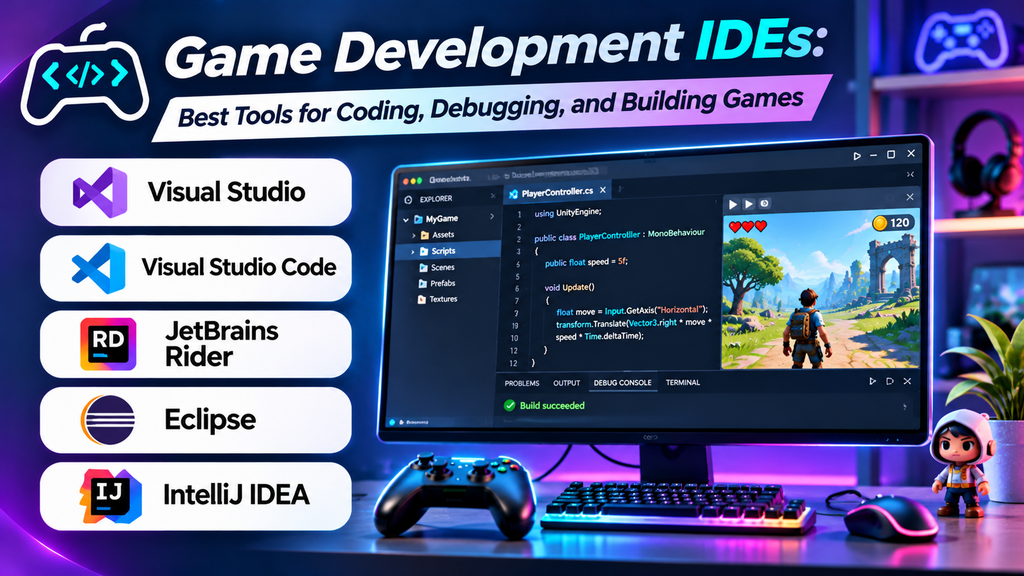
Game development IDEs (Integrated Development Environments) help developers write, edit, test, debug, and manage the code used to build video games. The right IDE can improve productivity, simplify debugging, and make it easier to work with game engines, programming languages, and development frameworks.
Whether you are a beginner creating your first 2D game or an experienced developer building a complex 3D game, choosing the right IDE depends on your programming language, game engine, platform, and project requirements.
What Is a Game Development IDE?
A game development IDE is a software environment that combines coding tools with features such as syntax highlighting, code completion, debugging, project management, and source control integration.
Many IDEs work alongside game engines such as Unity, Unreal Engine, and Godot. They help developers write scripts, manage game logic, find coding errors, and maintain large projects.
Best Game Development IDEs
1. Visual Studio
Visual Studio is a popular IDE for C# and C++ development. It is widely used for game projects involving Unity and Unreal Engine.
Key features:
- Intelligent code completion and syntax highlighting.
- Powerful debugging and breakpoint tools.
- Support for C#, C++, and other programming languages.
- Project management and version control integration.
Best for: Developers working with Unity, Unreal Engine, and C++ or C# projects.
Limitation: Its full feature set can require considerable system resources, particularly on large projects.
Website: https://visualstudio.microsoft.com/
2. Visual Studio Code
Visual Studio Code is a lightweight, extensible code editor that can be configured for game development through extensions.
Key features:
- Support for multiple programming languages.
- Extensions for debugging, formatting, and code completion.
- Integrated terminal and Git support.
- Customizable workspace and development environment.
Best for: Beginners, indie developers, and programmers who prefer a lightweight, customizable editor.
Limitation: Many advanced IDE features require extensions and additional configuration.
Website: https://code.visualstudio.com/
3. JetBrains Rider
JetBrains Rider is a cross-platform IDE particularly suited to C# development. It offers strong support for Unity projects and can also support Unreal Engine workflows.
Key features:
- Intelligent code completion and refactoring.
- Code inspections and error detection.
- Debugging and unit-testing tools.
- Navigation across large codebases.
Best for: Unity developers and C# programmers working on complex game projects.
Limitation: It is a commercial product, although eligibility for free licensing may vary.
Website: https://www.jetbrains.com/rider/
4. IntelliJ IDEA
IntelliJ IDEA is primarily designed for Java and Kotlin development. It can be useful for games built with Java-based frameworks and related development technologies.
Key features:
- Intelligent code completion.
- Code analysis and refactoring.
- Integrated debugging tools.
- Git integration and project navigation.
Best for: Developers building Java-based games or working with Java game development frameworks.
Limitation: It is not the default choice for most Unity or Unreal Engine workflows.
Website: https://www.jetbrains.com/idea/
5. Eclipse IDE
Eclipse is an extensible development environment commonly used for Java and other supported programming languages. Its plugins can help developers configure a game development workflow.
Key features:
- Extensible plugin ecosystem.
- Code editing and debugging.
- Project and build management.
- Support for Java development tools.
Best for: Developers creating Java-based games or learning programming through extensible development tools.
Limitation: Game-specific workflows may require additional plugins and manual configuration.
Website: https://eclipseide.org/
Comparison of Game Development IDEs
| IDE | Main languages | Key strength | Ideal users |
|---|---|---|---|
| Visual Studio | C#, C++ | Advanced debugging | Unity and Unreal developers |
| Visual Studio Code | Multiple languages | Lightweight and extensible | Beginners and indie developers |
| JetBrains Rider | C# and related technologies | Code analysis and Unity support | Professional C# developers |
| IntelliJ IDEA | Java, Kotlin | Java development tools | Java game developers |
| Eclipse IDE | Mainly Java, plus supported languages | Plugin flexibility | Java developers and learners |
Features and platform support can vary by version, installed extensions, and project configuration.
How to Choose the Right Game Development IDE
Consider these factors before selecting an IDE:
- Programming language: Choose an IDE with strong support for your game’s language, such as C#, C++, Java, or GDScript.
- Game engine compatibility: Check whether the IDE integrates well with your chosen engine.
- Debugging tools: Breakpoints, variable inspection, and error diagnostics can save development time.
- System requirements: A lightweight editor may be more suitable for a computer with limited memory or processing power.
- Budget: Compare free, open-source, and paid options, including any licensing conditions.
- Ease of use: Beginners may prefer a simple setup, while experienced developers may benefit from advanced refactoring and analysis tools.
Common Mistakes to Avoid
- Choosing an IDE without checking compatibility with your game engine.
- Installing too many extensions that slow down the development environment.
- Ignoring debugging tools and relying only on error messages.
- Using a complex IDE before understanding the basic programming workflow.
- Failing to use version control for important game code.
Frequently Asked Questions
Which IDE is best for game development?
Visual Studio is a strong option for C# and C++ game development, while Visual Studio Code is useful for developers who want a lightweight and customizable editor. The best choice depends on the game engine and programming language.
Is Visual Studio Code good for beginners?
Yes. It is free to use, lightweight, and supports many languages through extensions. Beginners may need to configure extensions and debugging tools for their chosen game engine.
Do I need an IDE to make a game?
Not always. Some game engines provide built-in script editors and development tools. However, an external IDE can offer more advanced code navigation, debugging, and productivity features.
Which IDE is suitable for Unity development?
Visual Studio and JetBrains Rider are popular choices for Unity C# scripting. Visual Studio Code can also be configured for Unity development.
Are game development IDEs free?
Several options, including Visual Studio Code and Eclipse, are available without a paid license. Visual Studio, Rider, and IntelliJ IDEA have different editions and licensing terms, so check the current conditions before using them.
Conclusion
Game development IDEs play an important role in writing, debugging, and maintaining game code. Visual Studio is a strong choice for C# and C++ workflows, Visual Studio Code offers flexibility, and JetBrains Rider provides advanced features for C# developers. IntelliJ IDEA and Eclipse are useful for Java-based development.
Choose an IDE that matches your game engine, programming language, hardware, and budget. The right environment can make game development more organized, efficient, and enjoyable.
