Upgrade & Secure Your Future with DevOps, SRE, DevSecOps, MLOps!
We spend hours scrolling social media and waste money on things we forget, but won’t spend 30 minutes a day earning certifications that can change our lives.
Master in DevOps, SRE, DevSecOps & MLOps by DevOps School!
Learn from Guru Rajesh Kumar and double your salary in just one year.
Introduction
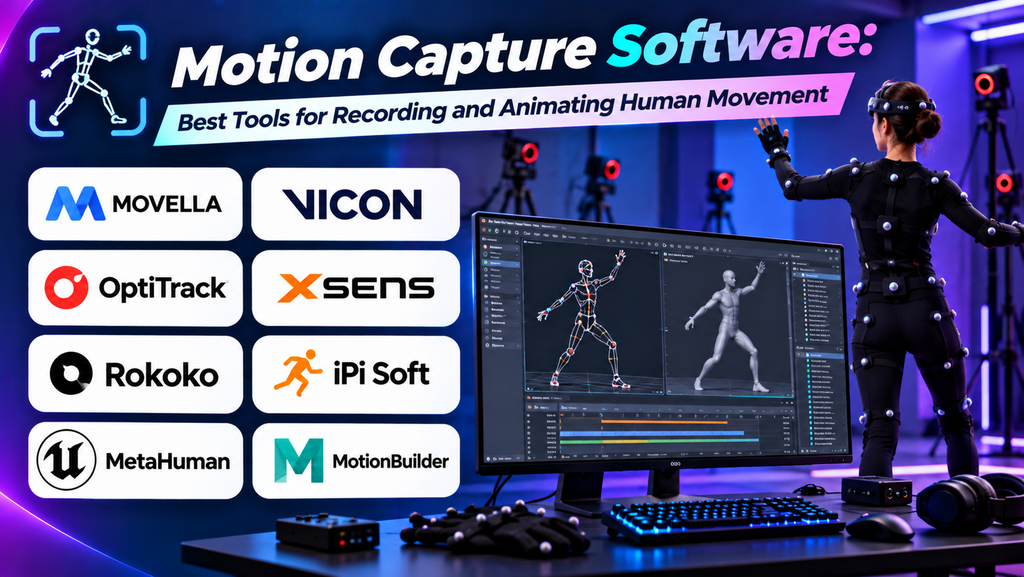
Motion capture, often called mocap, is a technology used to record movement and apply it to digital characters or objects. It is widely used in video games, animated films, virtual production, sports analysis, and immersive experiences.
Motion capture software processes data from cameras, sensors, or tracking devices and turns it into animation that can be refined and used in digital production. The right solution depends on budget, equipment, required accuracy, performance needs, and the target animation workflow.
What Is Motion Capture Software?
Motion capture software helps capture, process, clean, retarget, and export movement data. Some systems use specialized suits and markers, while others use cameras or computer vision to track movement without dedicated body sensors.
Common capabilities include body tracking, facial capture, hand tracking, skeleton reconstruction, motion cleanup, and exporting animation to tools such as Blender, Maya, Unity, or Unreal Engine.
Best Motion Capture Software
1. Vicon Shogun
Vicon Shogun is a professional motion capture solution designed for high-quality performance capture and character animation workflows.
Key features:
- Optical motion capture processing.
- Marker-based body tracking.
- Tools for solving and refining captured movement.
- Integration with professional animation pipelines.
Best for: Film production, high-end game animation, and professional motion capture studios.
Limitation: Professional optical capture often requires specialized cameras, space, and investment.
2. OptiTrack Motive
OptiTrack Motive is motion capture software designed to work with compatible OptiTrack tracking systems.
Key features:
- Real-time tracking of rigid bodies and markers.
- Motion capture data visualization.
- Calibration and tracking tools.
- Support for research, animation, and simulation workflows.
Best for: Studios, research teams, and developers using OptiTrack hardware for motion tracking.
Limitation: Full workflows depend on compatible capture hardware and proper setup.
3. Rokoko Studio
Rokoko Studio supports motion capture workflows using compatible Rokoko equipment and supported input methods.
Key features:
- Motion capture recording and playback.
- Tools for reviewing and refining captured movement.
- Character retargeting workflows.
- Export options for animation software and game engines.
Best for: Indie game developers, small animation teams, and creators looking for an accessible mocap workflow.
Limitation: Available features depend on the hardware, plan, and software version used.
4. Move.ai
Move.ai provides markerless motion capture technology designed to extract movement from video using computer vision and related processing methods.
Key features:
- Markerless movement capture workflows.
- Video-based performance recording.
- Motion data processing.
- Export workflows for digital production.
Best for: Animation teams and creators seeking video-based capture without traditional marker suits.
Limitation: Results can depend on camera setup, lighting, visibility, and the capture conditions supported by the product.
5. DeepMotion Animate 3D
DeepMotion Animate 3D is an AI-powered service that converts video into 3D character animation.
Key features:
- Video-to-animation processing.
- Markerless motion capture workflows.
- Character animation generation.
- Export options for supported 3D and game development workflows.
Best for: Independent creators, prototyping, and developers exploring video-based character animation.
Limitation: Generated animation may need cleanup, especially for occluded limbs, unusual movements, or demanding production requirements.
6. Blender
Blender is a free, open-source 3D creation suite that can be used to import, edit, retarget, and refine motion capture animation with suitable workflows or add-ons.
Key features:
- Animation editing and keyframe tools.
- Armature and skeletal animation workflows.
- Graph Editor and Dope Sheet for motion refinement.
- Support for importing and exporting supported animation formats.
Best for: Indie creators and animators who want to refine captured motion without relying on a high-cost 3D application.
Limitation: Blender is not itself a dedicated motion capture recording system; capture data generally comes from another source.
Motion Capture Software Comparison
| Software | Capture approach | Best suited for | Main consideration |
|---|---|---|---|
| Vicon Shogun | Professional optical capture | Film and game studios | Specialized setup and cost |
| OptiTrack Motive | Tracking with compatible OptiTrack hardware | Studios and research | Hardware dependency |
| Rokoko Studio | Compatible mocap devices and workflows | Indie creators and small teams | Features vary by setup |
| Move.ai | Markerless video capture | Animation and performance capture | Capture conditions affect results |
| DeepMotion Animate 3D | AI-based video-to-animation | Prototyping and accessible workflows | May require animation cleanup |
| Blender | Animation editing and refinement | Independent artists and studios | Usually needs external capture data |
Product features, subscription options, supported devices, and export formats may change. Check current documentation before choosing a solution.
How to Choose the Right Motion Capture Software
- Set your budget: Consider software subscriptions, cameras, suits, sensors, and the cost of setting up a capture space.
- Choose a capture method: Optical systems can suit controlled professional environments, while markerless video methods can offer more accessible entry points.
- Check animation compatibility: Confirm that the software exports data suitable for your 3D application or game engine.
- Evaluate accuracy: Test body movement, hand motion, facial performance, and fast actions that matter to your project.
- Consider cleanup requirements: Captured movement often needs retargeting, smoothing, and manual correction.
- Plan for your team: Check whether your workflow supports collaboration, repeatable recording sessions, and consistent data management.
Common Mistakes to Avoid
- Choosing software before checking hardware compatibility.
- Assuming markerless capture always delivers studio-quality results.
- Ignoring camera placement, lighting, or performer visibility.
- Skipping retargeting and animation cleanup.
- Using incompatible skeleton structures or export settings.
- Failing to test the complete workflow in the final game engine.
Frequently Asked Questions
What is the best motion capture software for game development?
The best choice depends on budget and production needs. Vicon Shogun and OptiTrack Motive support professional capture setups, while Rokoko Studio, Move.ai, and DeepMotion offer other capture workflows. Blender can help refine the resulting animation.
Can motion capture be done without a suit?
Yes. Markerless systems can estimate movement from video or camera input. Results depend on the software, recording setup, movement complexity, and visibility.
Is motion capture software free?
Some animation tools, including Blender, are free and open source. Dedicated capture platforms may require subscriptions, compatible hardware, or commercial licensing. Check current pricing and terms.
Can I use motion capture animation in Unity or Unreal Engine?
Many motion capture workflows support exporting or transferring animation into game engines, but compatibility depends on the file format, skeleton, retargeting setup, and software version.
Does motion capture eliminate manual animation?
No. Motion capture can speed up realistic movement production, but cleanup, retargeting, artistic adjustments, and hand-keyed animation may still be necessary.
Conclusion
Motion capture software helps teams turn real performances into digital animation for games, films, and interactive experiences. Vicon Shogun and OptiTrack Motive suit professional hardware-based workflows, while Rokoko Studio, Move.ai, and DeepMotion offer different approaches to capturing movement. Blender is a useful option for refining and integrating animation.
.
