Upgrade & Secure Your Future with DevOps, SRE, DevSecOps, MLOps!
We spend hours scrolling social media and waste money on things we forget, but won’t spend 30 minutes a day earning certifications that can change our lives.
Master in DevOps, SRE, DevSecOps & MLOps by DevOps School!
Learn from Guru Rajesh Kumar and double your salary in just one year.
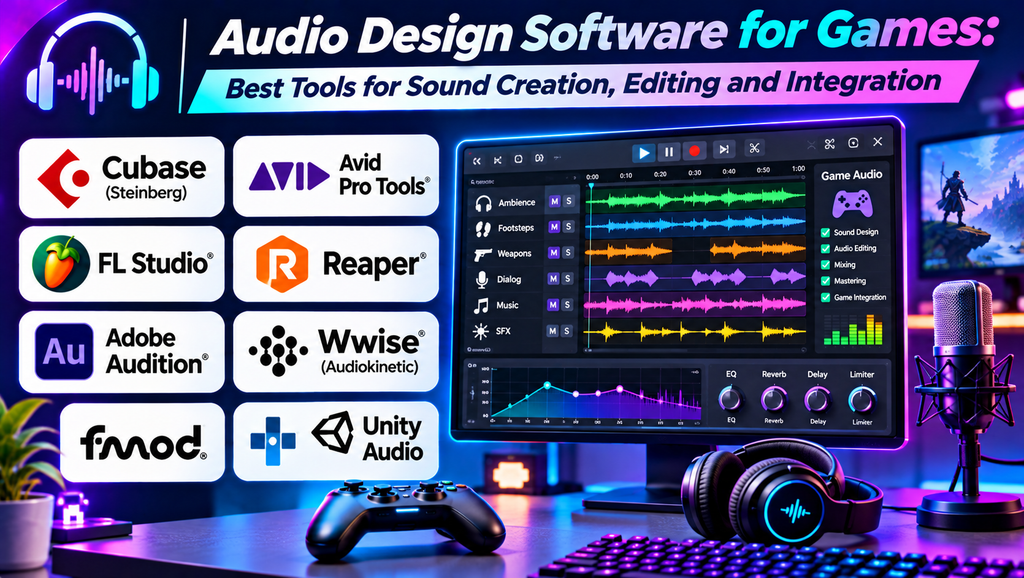
Audio Editing Software: Best Tools for Recording, Editing, and Enhancing Audio
Introduction
Audio quality is an important part of video production, podcasting, music creation, and digital communication. Poor sound can distract audiences, even when the visuals are excellent. Audio editing software helps creators remove unwanted noise, adjust volume, trim recordings, add effects, and produce clear, balanced sound.
From simple voice recordings to complex multitrack projects, different applications offer tools for different needs. Choosing the right software depends on your experience, recording equipment, audio format, and project requirements.
What Is Audio Editing Software?
Audio editing software is used to record, modify, clean, arrange, and export digital audio. Common features include waveform editing, noise reduction, equalization, compression, fades, effects, and multitrack mixing.
Some tools specialize in editing existing recordings, while others combine audio editing with music production, recording, and mixing.
Best Audio Editing Software
1. Audacity
Audacity is a free, open-source audio editor suitable for recording, editing, and processing audio on desktop computers.
Key features:
- Waveform editing and multitrack support.
- Noise reduction and audio effects.
- Equalization and volume adjustment.
- Import and export options for supported audio formats.
Best for: Beginners, podcasters, students, and creators editing voiceovers or recorded audio.
Limitation: Its interface may feel less streamlined than some commercial applications, and advanced workflows can require plugins.
2. Adobe Audition
Adobe Audition is a professional audio workstation designed for detailed editing, restoration, mixing, and sound production.
Key features:
- Waveform and multitrack editing.
- Noise reduction and audio restoration tools.
- Spectral frequency editing.
- Integration with Adobe Premiere Pro workflows.
Best for: Video editors, podcasters, broadcasters, and content creators who need detailed audio cleanup.
Limitation: It requires a paid subscription, and some advanced features take practice to use effectively.
3. REAPER
REAPER is a digital audio workstation with extensive audio recording, editing, routing, and mixing capabilities.
Key features:
- Multitrack recording and editing.
- Flexible routing and automation.
- Support for many audio plugins.
- Customizable interface and workflow.
Best for: Musicians, sound designers, podcasters, and users who want a flexible audio production environment.
Limitation: Its many customization options may feel overwhelming to beginners.
4. Ocenaudio
Ocenaudio is an audio editor designed for convenient editing and analysis of audio files.
Key features:
- Fast waveform-based editing.
- Real-time preview of supported effects.
- Spectral analysis and selection tools.
- Straightforward interface for common editing tasks.
Best for: Users who need quick edits, trimming, audio cleanup, and simple effects.
Limitation: It is less suited to complex multitrack production than a full digital audio workstation.
5. WavePad
WavePad is an audio editing application offering tools for recording, trimming, processing, and enhancing audio files.
Key features:
- Cut, copy, trim, and join audio.
- Effects such as equalization and amplification.
- Noise reduction and audio restoration features.
- Support for multiple audio formats.
Best for: Beginners, voiceover creators, and users who need practical file-based audio editing.
Limitation: Available features and licensing depend on the edition and platform.
6. GarageBand
GarageBand is Apple’s music and audio creation application, offering recording, editing, virtual instruments, and mixing features.
Key features:
- Multitrack recording and arrangement.
- Built-in instruments, loops, and effects.
- Voice and instrument recording.
- Integration with compatible Apple devices and workflows.
Best for: Beginners, musicians, podcasters, and creators using supported Apple devices.
Limitation: It is designed for the Apple ecosystem and does not offer every advanced feature available in professional audio workstation
7. DaVinci Resolve Fairlight
Fairlight is the audio post-production environment within DaVinci Resolve, combining sound editing and mixing tools with a broader video production workflow.
Key features:
- Multitrack audio editing and mixing.
- Equalization, dynamics, and audio effects.
- Voiceover recording and automation.
- Integration with video editing and finishing.
Best for: Filmmakers, YouTubers, and video editors who want to manage audio within their video project.
Limitation: It may be more complex than necessary for someone who only needs to trim or clean a short audio file.
Audio Editing Software Comparison
| Software | Main strength | Best suited for | Cost model |
|---|---|---|---|
| Audacity | Accessible waveform editing | Voiceovers and podcasts | Free and open source |
| Adobe Audition | Detailed editing and restoration | Professional audio cleanup | Subscription |
| REAPER | Flexible multitrack production | Recording, mixing, and sound design | Paid license with evaluation option |
| Ocenaudio | Simple, fast file editing | Quick audio adjustments | Free-to-use; check current terms |
| WavePad | Practical audio editing tools | Basic editing and enhancement | Free and paid editions |
| GarageBand | Music and audio creation | Beginners and Apple users | Available for supported Apple devices |
| Fairlight | Audio post-production with video | Film and video workflows | Included within DaVinci Resolve offerings |
Features, pricing, platform support, and licensing may change. Check official product pages for current details.
How to Choose the Right Audio Editing Software
- Identify your project: Voiceovers, podcasts, music tracks, and film sound design require different capabilities.
- Choose the editing workflow: Waveform editors are convenient for individual recordings, while multitrack tools are better for combining voices, music, and effects.
- Check noise reduction: If you record in a noisy environment, look for tools that can reduce unwanted background sounds.
- Review format support: Confirm that the application supports the sample rates, bit depths, and file formats you need.
- Consider your hardware: Large multitrack sessions and demanding effects can require additional memory and processing power.
- Evaluate your budget: Free tools can handle many everyday tasks, while paid applications may offer specialized restoration and production features.
- Test export quality: Listen to exported audio and confirm that volume, clarity, and format meet your intended platform’s requirements.
Common Audio Editing Mistakes to Avoid
- Applying too much noise reduction and making voices sound unnatural.
- Increasing volume without checking for clipping or distortion.
- Ignoring background noise before recording.
- Using excessive compression or equalization.
- Leaving abrupt cuts without suitable fades.
- Mixing background music louder than spoken dialogue.
- Exporting in an unsuitable format or at an unnecessarily low quality.
Frequently Asked Questions
Which audio editing software is best for beginners?
Audacity is a strong starting point for basic recording and editing. Ocenaudio can also be useful for quick file edits, while GarageBand is a good option for supported Apple devices and music creation.
What is the best software for podcast editing?
Audacity is suitable for many basic podcast workflows, while Adobe Audition and REAPER provide more advanced editing and multitrack options. The best choice depends on your recording setup and production needs.
Can I remove background noise using audio editing software?
Many applications include noise reduction or restoration tools. Results depend on the type and level of noise, recording quality, and the capabilities of the software. Recording in a quiet environment remains the best starting point.
Is free audio editing software good enough?
Yes. Free tools such as Audacity can handle many everyday recording, trimming, noise reduction, and editing tasks. Professional workflows may benefit from specialized paid tools, depending on their requirements.
What is the difference between audio editing software and a DAW?
Audio editing software often focuses on modifying and cleaning recordings. A digital audio workstation (DAW) typically provides a broader environment for recording, arranging, mixing, and producing multiple audio tracks. Many applications support both types of workflow.
Conclusion
Audio editing software helps creators improve clarity, reduce unwanted noise, balance sound, and prepare recordings for publication. Audacity and Ocenaudio are useful for straightforward editing, Adobe Audition offers detailed restoration features, REAPER supports flexible multitrack workflows, GarageBand is approachable for music creation, and Fairlight integrates audio post-production with video editing.
