Upgrade & Secure Your Future with DevOps, SRE, DevSecOps, MLOps!
We spend hours scrolling social media and waste money on things we forget, but won’t spend 30 minutes a day earning certifications that can change our lives.
Master in DevOps, SRE, DevSecOps & MLOps by DevOps School!
Learn from Guru Rajesh Kumar and double your salary in just one year.
Introduction
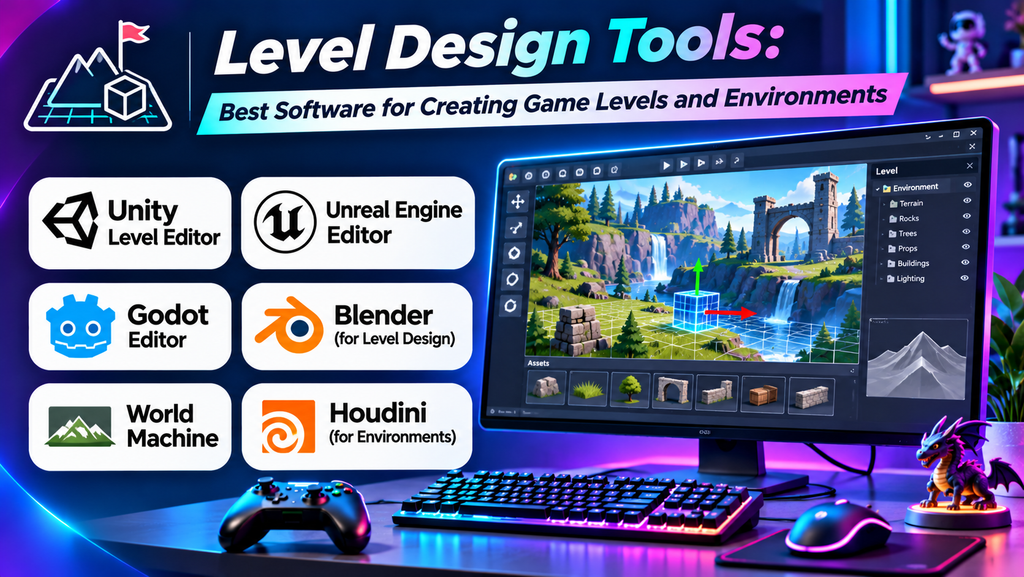
Level design is an important part of game development. It involves creating the spaces, layouts, challenges, and interactive environments that players explore. Well-designed levels guide players through a game, balance difficulty, support storytelling, and make gameplay more engaging.
Level design tools help developers build 2D maps, 3D worlds, terrain, interiors, puzzles, and mission layouts. The right tool depends on the game engine, project size, art style, and development workflow.
What Are Level Design Tools?
Level design tools are software applications or editor features used to plan, build, test, and refine game environments. They may include terrain sculpting, object placement, grid-based map editing, lighting, navigation tools, and playtesting features.
Some tools are built directly into game engines, while others specialize in map creation, 3D modeling, or collaborative design.
Best Level Design Tools
1. Unreal Engine Editor
Unreal Engine includes powerful tools for designing detailed 3D levels, landscapes, and interactive environments.
Key features:
- Visual scene editing and asset placement.
- Landscape sculpting and terrain painting.
- Lighting, materials, and environment previews.
- Blueprint visual scripting for interactive elements.
Best for: Large 3D worlds, realistic environments, and high-quality visual projects.
Limitation: Its extensive feature set can take time to learn and may require capable hardware.
2. Unity Editor
Unity provides a scene editor for arranging game objects, building environments, and configuring interactive level elements.
Key features:
- Scene view for placing and editing objects.
- Terrain tools for landscapes.
- Prefabs for reusable environment components.
- Integration with scripting and asset workflows.
Best for: Indie games, mobile games, and 2D or 3D projects built with Unity.
Limitation: Advanced workflows may require additional packages, assets, or custom tools.
3. Godot Editor
Godot is an open-source game engine with integrated scene and tilemap editing features. It supports both 2D and 3D level creation.
Key features:
- Scene-based workflow.
- TileMap tools for 2D environments.
- Node-based organization of game objects.
- Integrated scripting and testing.
Best for: Indie developers, beginners, and open-source game projects.
Limitation: Some advanced environment workflows may need community add-ons or custom development.
4. TrenchBroom
TrenchBroom is a specialized level editor commonly associated with Quake-style and brush-based 3D map design.
Key features:
- Brush-based geometry creation.
- Grid snapping and precise map editing.
- Texture placement and alignment.
- Workflows for supported game formats and engines.
Best for: Retro-style shooters, blockout layouts, and brush-based level design.
Limitation: It is specialized software, so compatibility depends on the target game format and workflow.
5. Tiled
Tiled is a flexible map editor for creating tile-based 2D game levels.
Key features:
- Tile layer and object layer editing.
- Support for orthogonal, isometric, and other map orientations.
- Custom properties for game objects.
- Export formats supported by many game development workflows.
Best for: 2D platformers, RPGs, strategy games, and tile-based adventures.
Limitation: Developers generally need to integrate exported maps with their game engine or framework.
6. Blender
Blender is a free, open-source 3D creation suite that can support level design through modeling, scene layout, and asset preparation.
Key features:
- 3D modeling and environment asset creation.
- Materials, UV mapping, and lighting tools.
- Scene organization and geometry editing.
- Export workflows for game engines.
Best for: Creating custom props, buildings, modular environment assets, and level blockouts.
Limitation: Blender is not a dedicated game-level editor, so gameplay logic and final in-engine testing usually happen elsewhere.
Comparison of Level Design Tools
| Tool | Main strength | Suitable projects | Cost model |
|---|---|---|---|
| Unreal Engine Editor | Detailed 3D environments | Large 3D games | Free access with applicable terms |
| Unity Editor | Flexible 2D and 3D scenes | Indie and mobile games | Free and paid plans |
| Godot Editor | Integrated open-source workflow | 2D and 3D indie games | Free and open source |
| TrenchBroom | Brush-based map creation | Retro shooters and compatible formats | Free |
| Tiled | Tile-based map editing | 2D games | Free and paid options |
| Blender | 3D asset and scene creation | Custom environments and props | Free and open source |
Features, licensing, and compatibility can change, so review each tool’s current documentation before starting a project.
How to Choose the Right Level Design Tool
- Identify your game type: Tile-based 2D games may benefit from Tiled, while complex 3D environments may need an engine editor.
- Check engine compatibility: Confirm that maps, assets, and project files can move into your chosen game engine.
- Consider the workflow: Decide whether you need terrain sculpting, modular asset placement, grid editing, or brush-based geometry.
- Evaluate ease of use: Beginners may prefer an integrated editor with a clear scene hierarchy and simple testing workflow.
- Review performance requirements: Large environments and detailed assets can demand substantial system resources.
- Plan for collaboration: Teams should consider source control, reusable assets, naming conventions, and shared project organization.
Common Level Design Mistakes to Avoid
- Creating levels without considering player navigation.
- Making environments visually detailed before testing the basic layout.
- Ignoring collision, scale, and accessibility.
- Failing to test levels regularly in the actual game.
- Using incompatible asset formats or inconsistent project organization.
- Overlooking performance when designing large environments.
Frequently Asked Questions
What is the best software for level design?
The best option depends on the project. Unreal Engine and Unity provide integrated 3D level editors, Godot supports open-source 2D and 3D workflows, and Tiled is especially useful for tile-based 2D maps.
Which level design tool is best for beginners?
Godot and Unity can be approachable starting points for learning in-engine level design. Tiled is another good option for beginners focused on 2D tile-based maps.
Can Blender be used for level design?
Yes. Blender is useful for modeling environment assets and arranging 3D scenes. However, gameplay behavior and final level testing are typically handled in the target game engine.
What tool is best for 2D game maps?
Tiled is a strong option for tile-based maps. Unity and Godot also provide built-in tools for designing and managing 2D game environments.
Are level design tools free?
Several tools, including Godot, Blender, TrenchBroom, and Tiled, offer free access. Unity and Unreal Engine have their own licensing terms, which should be reviewed for your intended use.
Conclusion
Level design tools help developers transform gameplay ideas into playable environments. Unreal Engine and Unity are strong choices for integrated 3D workflows, Godot offers an open-source alternative, TrenchBroom supports brush-based map creation, Tiled simplifies tile-based 2D maps, and Blender helps create custom environment assets.
Choose a tool that fits your game genre, engine, team workflow, and budget. Start with a simple blockout, test player movement early, and refine the level based on gameplay rather than visuals alone.
