Upgrade & Secure Your Future with DevOps, SRE, DevSecOps, MLOps!
We spend hours scrolling social media and waste money on things we forget, but won’t spend 30 minutes a day earning certifications that can change our lives.
Master in DevOps, SRE, DevSecOps & MLOps by DevOps School!
Learn from Guru Rajesh Kumar and double your salary in just one year.
Introduction
In the digital business environment, understanding website performance is essential for achieving sustainable online growth. Businesses invest in website development, search engine optimization, advertising, and content marketing to attract visitors. However, attracting traffic is only one part of building a successful online presence. Understanding how visitors interact with a website is equally important.
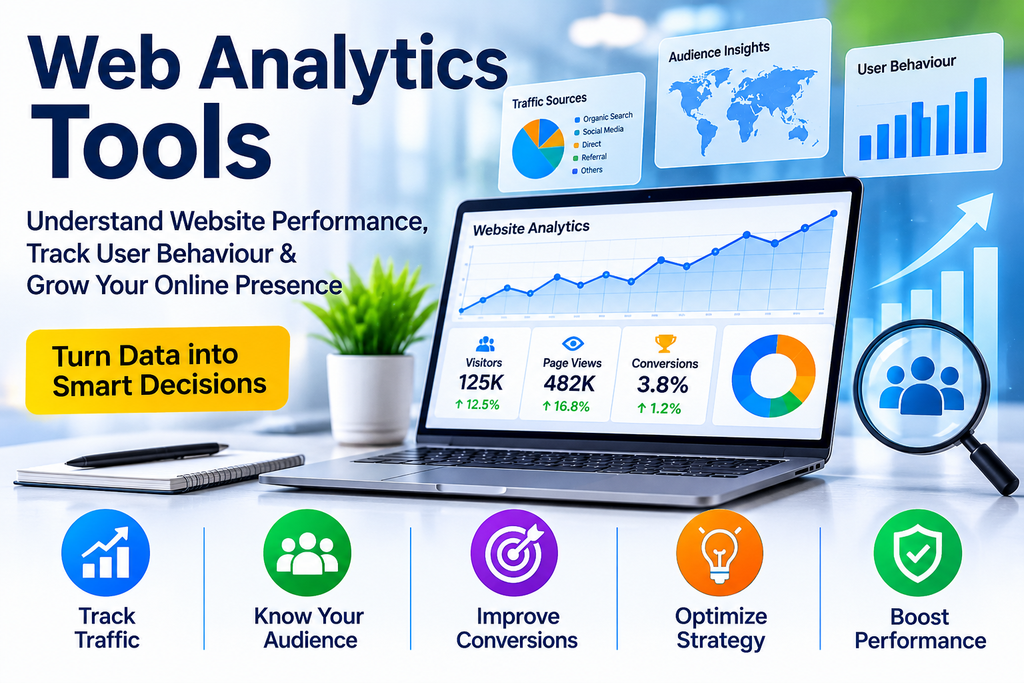
Web analytics tools help businesses collect, measure, and analyze website activity. They provide valuable information about visitor behaviour, traffic sources, page performance, engagement, and conversions.
By analyzing this information, organizations can identify opportunities, improve website experiences, optimize marketing campaigns, and make informed business decisions.
What Are Web Analytics Tools?
Web analytics tools are software applications designed to track and analyze activity on websites.
They collect data about how visitors discover, navigate, and interact with website content. This information is presented through reports, dashboards, charts, and performance metrics.
Common measurements include:
- Website visitors and sessions
- Page views and landing page performance
- Traffic sources and referral channels
- Visitor engagement
- Geographic audience distribution
- Device and browser usage
- Conversion rates
- User navigation patterns
- Campaign performance
These insights help businesses understand what works, what needs improvement, and how visitors respond to their digital experiences.
How Do Web Analytics Tools Work?
Web analytics platforms generally use tracking codes, JavaScript tags, cookies where applicable, event tracking, and server-side data collection.
The process typically involves five stages.
1. Data Collection
Analytics technologies collect information about permitted website interactions, such as page visits, button clicks, and form submissions.
2. Data Processing
Collected information is processed and organized into structured datasets.
3. Data Analysis
The analytics platform identifies patterns in traffic, engagement, and visitor activity.
4. Reporting and Visualization
Information is presented through dashboards, graphs, and reports that make website performance easier to understand.
5. Optimization
Businesses use the findings to improve website design, content, marketing campaigns, and conversion journeys.
Popular Web Analytics Tools
Several analytics platforms offer different features for businesses and website owners.
1. Google Analytics 4
Google Analytics 4 (GA4) is a widely used analytics platform that measures website and application interactions through an event-based data model.
Key features include:
- Traffic acquisition reports
- Engagement measurement
- Conversion tracking
- Audience analysis
- Event-based reporting
- Integration with other Google marketing products
It is useful for businesses looking for comprehensive website performance insights.
2. Matomo
Matomo is a web analytics platform offering visitor tracking, traffic reporting, conversion measurement, and behavioural insights.
It supports both self-hosted and cloud-hosted deployment options, providing flexibility for organizations with different data governance requirements.
3. Adobe Analytics
Adobe Analytics provides advanced digital analytics capabilities for organizations that require detailed reporting and customer journey analysis.
Its features support complex marketing environments and enterprise-level data analysis.
4. Microsoft Clarity
Microsoft Clarity focuses on understanding visitor behaviour through features such as session recordings and heatmaps.
It helps businesses identify navigation difficulties, usability issues, and areas where visitors interact with website elements.
5. Plausible Analytics
Plausible Analytics is a lightweight analytics solution designed around simple reporting and privacy-conscious measurement.
It is suitable for website owners who prefer straightforward traffic insights.
6. Fathom Analytics
Fathom Analytics offers simplified website reporting with an emphasis on privacy-conscious analytics and easy-to-understand performance metrics.
It can be useful for businesses that want essential website insights without complicated dashboards.
Key Benefits of Web Analytics Tools
1. Understand Visitor Behaviour
Analytics tools help businesses understand which pages visitors explore, what content attracts attention, and how users navigate websites.
These insights can guide improvements to website structure and content.
2. Improve Marketing Campaigns
Businesses can compare traffic from organic search, paid advertising, social media, email campaigns, and referral sources.
This makes it easier to identify which marketing channels contribute valuable visitors.
3. Increase Conversion Opportunities
By tracking actions such as registrations, purchases, downloads, and form submissions, businesses can identify opportunities to improve conversion rates.
4. Optimize Website Content
Analytics reports reveal which pages perform well and which content receives limited engagement.
Businesses can use this information to improve existing pages and develop more relevant content.
5. Improve User Experience
Behavioural insights can reveal confusing navigation, difficult forms, and pages where visitors frequently leave.
Addressing these problems can make websites more user-friendly.
6. Support Better Business Decisions
Instead of relying entirely on assumptions, organizations can use measurable information to plan marketing activities, allocate resources, and evaluate digital performance.
Important Website Analytics Metrics
Understanding the right metrics is essential for effective analysis.
| Metric | Description |
|---|---|
| Users | Visitors identified by the analytics platform |
| Sessions | Website visits during a defined period |
| Page Views | Number of pages viewed |
| Engagement Rate | Percentage of sessions meeting engagement criteria |
| Traffic Sources | Channels that bring visitors to a website |
| Conversion Rate | Percentage of users completing a desired action |
| Average Engagement Time | Time users actively engage with website content |
| Event Tracking | Specific interactions performed by visitors |
Businesses should evaluate metrics together rather than focusing on individual numbers.
For example, increasing website traffic without improving conversions may indicate that the website attracts visitors who are not sufficiently interested in its products or services.
How to Choose the Right Web Analytics Tool
Selecting an analytics platform depends on business objectives, technical requirements, and available resources.
Consider the following factors:
- Business Requirements: Determine whether you need basic traffic reports or advanced customer journey analysis.
- Ease of Use: Select a platform with dashboards that your team can understand.
- Integration: Check compatibility with your website, CRM, advertising, and marketing systems.
- Privacy: Review data collection, storage, consent, and retention capabilities.
- Reporting: Evaluate customization options and available performance reports.
- Scalability: Choose a solution that can support increasing website activity.
- Pricing: Compare subscription fees, usage limits, and implementation costs.
Best Practices for Web Analytics
To obtain meaningful insights from analytics platforms, businesses should follow a consistent measurement strategy.
- Define clear website performance objectives.
- Configure meaningful conversion events.
- Use consistent campaign tracking parameters.
- Review traffic sources regularly.
- Monitor landing page performance.
- Analyze mobile and desktop experiences.
- Identify unusual changes in visitor activity.
- Avoid collecting unnecessary personal information.
- Maintain appropriate privacy and consent controls.
- Use analytics findings to test website improvements.
Businesses should also regularly review their tracking configurations to identify inaccurate or incomplete data.
Common Challenges in Web Analytics
Although analytics tools provide valuable insights, businesses may face several challenges.
Data Accuracy: Incorrect tracking configurations can produce misleading reports.
Privacy Compliance: Organizations must manage data collection and consent appropriately.
Complex Reporting: Large datasets can make it difficult to identify meaningful insights.
Data Silos: Information stored across separate marketing platforms can create incomplete customer views.
Misinterpreting Metrics: High traffic does not necessarily indicate strong business performance.
A well-defined analytics strategy helps address these challenges.
Future of Web Analytics
Web analytics continues to evolve with developments in artificial intelligence, automation, and privacy-focused technologies.
Important trends include:
- AI-powered analytics and reporting
- Predictive audience insights
- Automated anomaly detection
- Privacy-conscious measurement
- Cross-platform analytics
- Real-time performance monitoring
- Advanced customer journey analysis
These developments are making it easier for businesses to transform website data into practical decisions.
Conclusion
Web analytics tools are essential for businesses that want to understand website performance and improve their digital strategies. They provide valuable insights into visitor behaviour, traffic sources, content engagement, and conversion opportunities.
From small websites to enterprise digital platforms, analytics solutions help organizations measure results, identify problems, and make better decisions.
By choosing the right tools and following effective measurement practices, businesses can turn website data into actionable insights and build stronger online experiences.
