Upgrade & Secure Your Future with DevOps, SRE, DevSecOps, MLOps!
We spend hours scrolling social media and waste money on things we forget, but won’t spend 30 minutes a day earning certifications that can change our lives.
Master in DevOps, SRE, DevSecOps & MLOps by DevOps School!
Learn from Guru Rajesh Kumar and double your salary in just one year.
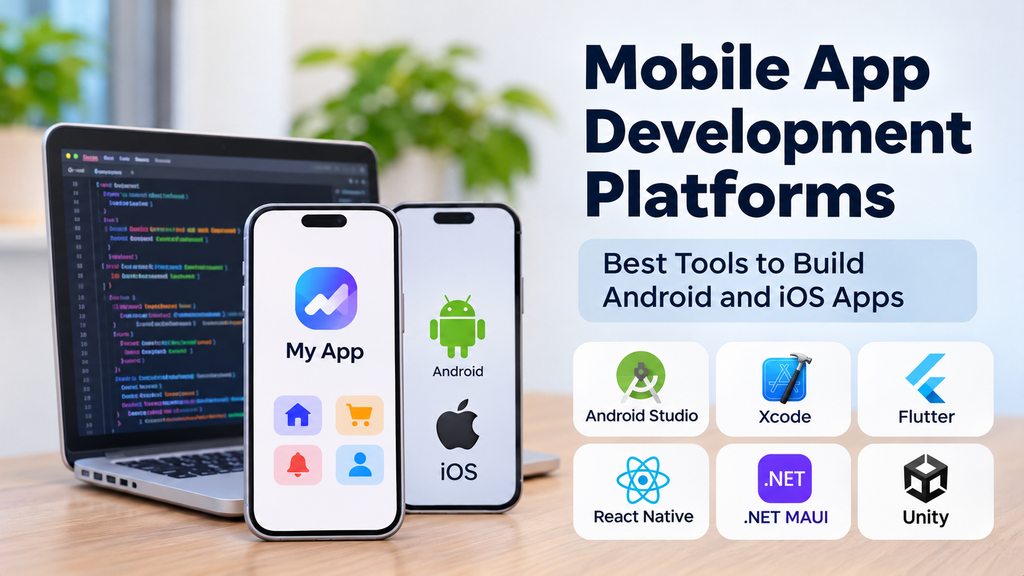
Mobile app development platforms help developers create, test, and launch applications for smartphones and tablets. The right platform depends on your budget, technical skills, app features, and whether you need Android, iOS, or both.
What Are Mobile App Development Platforms?
These platforms provide tools for designing interfaces, writing code, connecting databases, testing features, and publishing applications. Some specialize in one operating system, while others let developers build for multiple platforms using shared code.
Popular Mobile App Development Platforms
| Platform | Best suited for |
|---|---|
| Android Studio | Native Android apps |
| Xcode | Native iPhone and iPad apps |
| Flutter | Cross-platform applications |
| React Native | Apps using JavaScript and React |
| .NET MAUI | Apps built with C# and .NET |
| Ionic | Mobile apps using web technologies |
| FlutterFlow | Visual app development |
| Unity | Mobile games and interactive experiences |
Key Features to Consider
- Platform support: Check whether the tool supports Android, iOS, or both.
- Design tools: Look for reusable components and responsive layouts.
- Integrations: Confirm support for APIs, databases, payments, and notifications.
- Testing: Choose tools that help identify bugs and performance problems.
- Security: Review authentication, permissions, and data protection.
- Deployment: Understand the requirements for publishing and updating apps.
Native vs. Cross-Platform Development
Native development uses platform-specific tools such as Android Studio and Xcode. It provides direct access to operating-system features but may require separate development work for Android and iOS.
Cross-platform frameworks such as Flutter and React Native allow teams to share much of their code between platforms. This can reduce duplicated effort, although some features may still need platform-specific implementation.
Benefits of Using These Platforms
Mobile development platforms can speed up development, simplify testing, encourage reusable components, and make ongoing maintenance more organized. Visual development tools can also help teams create prototypes without writing every component manually.
However, the platform alone does not guarantee a successful app. Good design, reliable integrations, security, and user testing remain essential.
How to Choose the Right Platform
- Define your app’s purpose and essential features.
- Identify your target devices and users.
- Evaluate your team’s programming skills.
- Test the integrations and device features you need.
- Compare licensing, development, and maintenance costs.
- Build a small prototype before committing to the platform.
Best Practices for Mobile App Development
Keep the interface simple, test on real devices, protect user data, and optimize performance on slower networks. Use version control, test important workflows before release, and monitor crashes and feedback after launch.
Avoid choosing a platform based only on popularity. Consider long-term support, documentation, compatibility, and the effort needed to update the application.
Conclusion
Mobile app development platforms offer different ways to build applications for Android and iOS. Android Studio and Xcode are suitable for native development, Flutter and React Native support cross-platform projects, and tools such as FlutterFlow can simplify visual app creation.
Choose a platform that matches your app requirements, team capabilities, security needs, and maintenance plans. A small proof of concept can help confirm the right choice before full development begins.
