Upgrade & Secure Your Future with DevOps, SRE, DevSecOps, MLOps!
We spend hours scrolling social media and waste money on things we forget, but won’t spend 30 minutes a day earning certifications that can change our lives.
Master in DevOps, SRE, DevSecOps & MLOps by DevOps School!
Learn from Guru Rajesh Kumar and double your salary in just one year.
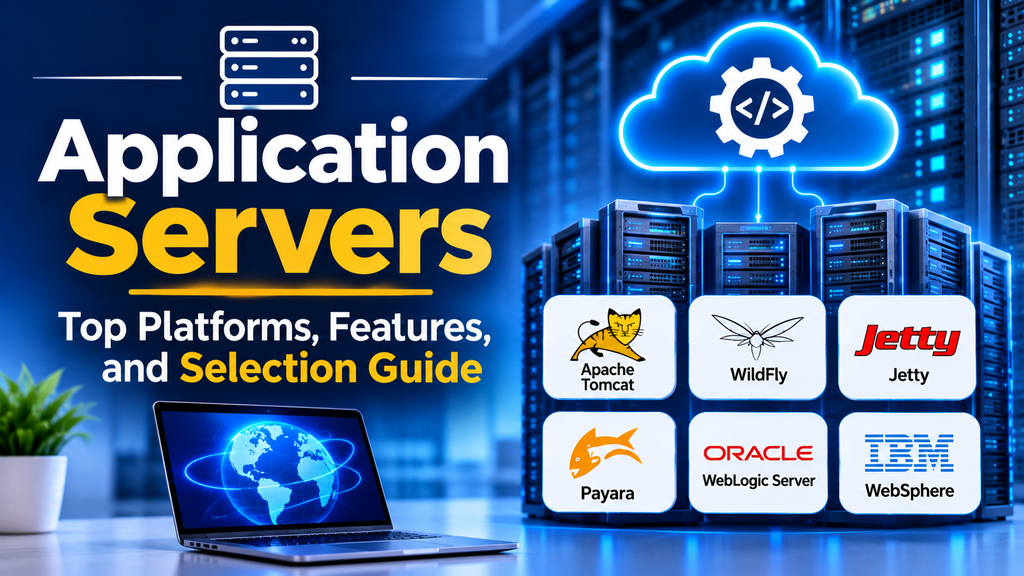
Application servers provide the runtime environment required to execute application logic, process business requests, manage transactions, and connect applications with databases and other enterprise services. They are particularly important in enterprise Java applications, where multiple components must work together reliably and securely.
Choosing the right application server depends on application architecture, programming language, scalability requirements, security policies, deployment environment, and operational costs.
What Is an Application Server?
An application server is software that provides services for running application code. Depending on its architecture, it may manage application components, transactions, connection pools, authentication, messaging, and communication with backend systems.
A web server primarily handles HTTP requests and content delivery. An application server focuses on executing application logic, although modern platforms often combine web-serving and application-runtime capabilities.
Common responsibilities include application execution, transaction management, connection pooling, security, messaging, deployment management, and monitoring.
For example, an online banking application may use an application server to execute account-management logic, authenticate requests, coordinate database transactions, and communicate with payment services.
Leading Application Server Platforms
1. Apache Tomcat
Apache Tomcat is an open-source implementation of Jakarta Servlet and related web technologies. It is commonly used to run Java web applications and is often deployed alongside a separate web server or reverse proxy.
Best suited for: Java web applications, servlet-based applications, and lightweight web application deployments.
Website: https://tomcat.apache.org/
2. WildFly
WildFly is an open-source application server designed for Jakarta EE applications. It provides enterprise application services and supports deployment models used in Java-based enterprise environments.
Best suited for: Enterprise Java applications requiring application-server capabilities and Jakarta EE support.
Website: https://www.wildfly.org/
3. Eclipse Jetty
Jetty is an open-source web server and Java servlet container that can also be embedded within applications. Its embeddable architecture makes it useful for services that need an integrated HTTP server.
Best suited for: Embedded Java applications, lightweight web services, and applications requiring an embeddable servlet container.
Website: https://jetty.org/
4. Payara Server
Payara Server is an application server based on the GlassFish ecosystem, designed to run Jakarta EE applications. It provides enterprise application runtime features and management capabilities.
Best suited for: Organizations running Jakarta EE workloads that require an enterprise-oriented application server.
Website: https://www.payara.fish/
5. Oracle WebLogic Server
Oracle WebLogic Server is an enterprise Java application server used for business-critical applications. It provides capabilities for application deployment, transactions, security, clustering, and enterprise integration.
Best suited for: Large enterprise environments with established Oracle application infrastructure.
Website: https://www.oracle.com/middleware/technologies/weblogic.html
6. IBM WebSphere
IBM WebSphere is an enterprise application-server family associated with Java and enterprise application workloads. The appropriate product and support model depend on whether an organization uses traditional WebSphere Application Server or newer offerings such as WebSphere Liberty.
Best suited for: Enterprise applications requiring established IBM infrastructure and integration capabilities.
Website: https://www.ibm.com/products/websphere-application-server
Application Server Comparison
| Platform | Primary strength | Common use case |
|---|---|---|
| Apache Tomcat | Servlet container and Java web runtime | Java web applications |
| WildFly | Jakarta EE application-server capabilities | Enterprise Java workloads |
| Eclipse Jetty | Lightweight and embeddable architecture | Embedded Java services |
| Payara Server | Jakarta EE runtime and management | Enterprise Java applications |
| Oracle WebLogic Server | Enterprise application management | Business-critical enterprise systems |
| IBM WebSphere | Enterprise application infrastructure | IBM-oriented enterprise environments |
These platforms have different capabilities and requirements. Tomcat, for example, is primarily a servlet container rather than a full Jakarta EE application server. Teams should compare the specific APIs and services their applications require before selecting a runtime.
How to Choose an Application Server
Check Framework and Runtime Compatibility
Identify the programming language, framework, runtime version, and enterprise APIs required by the application. Confirm that the selected server supports the relevant specifications and dependencies.
Evaluate Scalability and Availability
Consider expected concurrent requests, connection-pool requirements, memory consumption, deployment architecture, and recovery procedures.
For critical applications, evaluate clustering or replication capabilities where supported. Load balancing and redundant instances may improve availability, but they must be configured and tested appropriately.
Review Security and Compliance
Assess authentication integration, authorization, TLS configuration, secret management, patch availability, and audit logging. Establish a clear process for applying security updates and testing application compatibility.
Consider Deployment and Automation
Modern applications may run on virtual machines, containers, or Kubernetes. Check whether the server supports your deployment model and whether it integrates with your CI/CD pipelines, configuration management, and monitoring tools.
Compare Total Cost of Ownership
Consider licensing, support, training, infrastructure resources, administration, and migration costs. Open-source software can reduce licensing expenses, but production operations still require expertise and maintenance.
Common Application Server Challenges
Memory consumption: Application servers can require significant memory for runtime services and application workloads. Monitor heap usage, garbage collection, and container limits.
Slow response times: Poor database queries, connection-pool exhaustion, excessive thread contention, and inefficient application code can affect latency. Use profiling and monitoring to identify the actual bottleneck.
Configuration complexity: Incorrect runtime settings or environment-specific configuration can cause deployment failures. Keep configuration controlled and validate changes before production releases.
Security vulnerabilities: Outdated runtimes and dependencies can expose applications to risk. Maintain supported versions, apply patches, and follow least-privilege principles.
Scaling difficulties: Increasing server instances does not automatically resolve database bottlenecks or session-management problems. Test the complete application architecture under realistic load.
Best Practices for Application Server Management
- Standardize supported runtime versions across environments.
- Externalize environment-specific configuration and protect secrets.
- Automate deployments and maintain a tested rollback procedure.
- Monitor application latency, error rates, resource usage, and connection pools.
- Conduct load testing before major production changes.
- Apply security updates and review exposed management interfaces.
- Document operational procedures and disaster-recovery requirements.
Conclusion
Application servers provide the runtime services needed to execute and manage business applications. Apache Tomcat and Eclipse Jetty are useful for servlet-based and lightweight Java applications, while WildFly and Payara offer Jakarta EE application-server capabilities. Oracle WebLogic and IBM WebSphere serve enterprise environments with specific application and infrastructure requirements.
The right platform is the one that satisfies application compatibility, security, performance, deployment, and support needs without introducing unnecessary operational complexity. A structured evaluation and realistic pilot help organizations choose a runtime that can support reliable application delivery as workloads grow.
