Upgrade & Secure Your Future with DevOps, SRE, DevSecOps, MLOps!
We spend hours scrolling social media and waste money on things we forget, but won’t spend 30 minutes a day earning certifications that can change our lives.
Master in DevOps, SRE, DevSecOps & MLOps by DevOps School!
Learn from Guru Rajesh Kumar and double your salary in just one year.
Introduction
Managing payroll accurately is essential for every business. Calculating salaries, deductions, overtime, bonuses, and employee benefits manually can take considerable time and increase the risk of errors. Payroll software helps businesses automate these activities, maintain payroll records, and process employee payments more efficiently.
From small businesses to large enterprises, payroll solutions can simplify recurring payroll tasks and support compliance with applicable tax and employment regulations.
What Is Payroll Software?
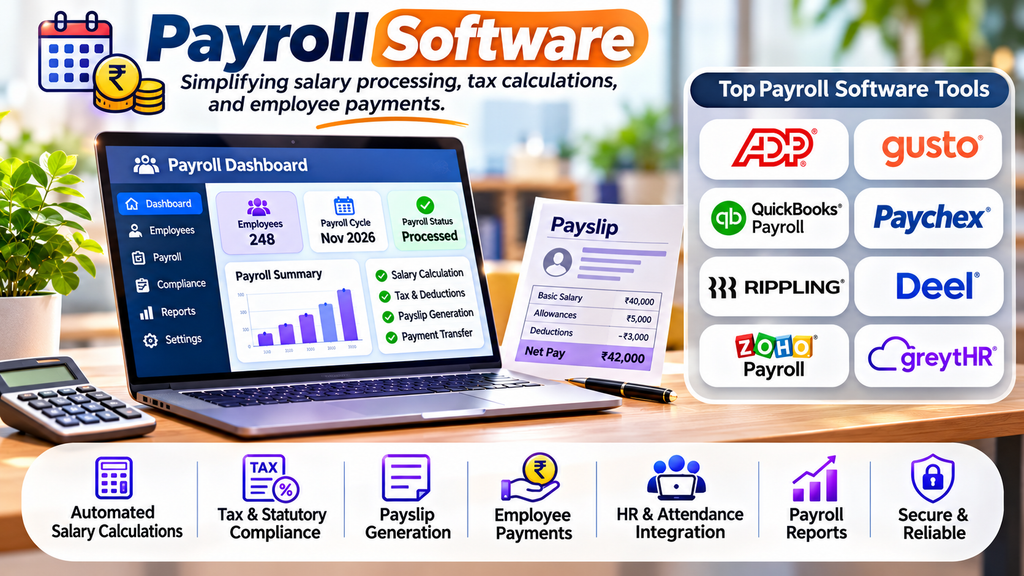
Payroll software is a digital system used to calculate employee wages, manage deductions, prepare payslips, and maintain payroll records. Depending on the platform and country-specific configuration, it may also support tax calculations, statutory contributions, direct deposits, and payroll reporting.
Integrating payroll with HR and attendance systems can reduce duplicate data entry and help ensure that approved working hours and employee changes are reflected in payroll.
Top Payroll Software Tools
1. ADP
ADP offers payroll solutions for businesses of different sizes, with capabilities that can include payroll processing, tax administration, reporting, and HR integration.
Best for: Businesses seeking established payroll services and scalable solutions.
2. Gusto
Gusto provides payroll processing alongside benefits administration and selected HR features. Its workflows are designed to simplify recurring payroll tasks for eligible businesses.
Best for: Small businesses and growing teams, particularly in the United States.
3. QuickBooks Payroll
QuickBooks Payroll connects payroll workflows with QuickBooks accounting products. Depending on the plan and location, businesses can manage employee payments, payroll taxes, and related records.
Best for: Small businesses already using QuickBooks accounting software.
4. Paychex
Paychex provides payroll processing, tax administration, and related HR services. Available features vary by plan and business requirements.
Best for: Small and midsize businesses needing payroll and HR support.
5. Rippling
Rippling combines payroll with employee data management and broader workforce administration. Its integrated approach can help organizations connect payroll with other employee workflows.
Best for: Growing companies looking to connect payroll with HR and IT processes.
6. Deel
Deel supports global payroll and workforce payments for organizations employing people across different countries. Coverage and available services depend on the employment arrangement and location.
Best for: Businesses managing international teams and cross-border employment.
7. Zoho Payroll
Zoho Payroll supports payroll processing and related compliance workflows in supported regions. Its availability and statutory features vary by country.
Best for: Businesses looking for payroll tools within the Zoho ecosystem in a supported market.
8. greytHR
greytHR provides payroll and HR management capabilities, including salary processing, payslips, employee records, and compliance-related workflows for supported markets.
Best for: Indian businesses seeking payroll and HR administration in one platform.
Essential Features to Look For
- Automated salary calculations: Calculate earnings, deductions, overtime, and approved adjustments.
- Payslip generation: Prepare clear employee salary statements.
- Tax and statutory support: Apply relevant rules for the supported country or region.
- Payment processing: Support compatible salary payment methods.
- Leave and attendance integration: Use approved attendance and leave records when calculating pay.
- Employee self-service: Allow employees to access payslips and relevant payroll information.
- Payroll reports: Generate summaries of salaries, deductions, and payroll expenses.
- Accounting integration: Transfer payroll information to compatible accounting systems.
- Security and permissions: Restrict access to sensitive salary and banking information.
Benefits of Payroll Software
Greater accuracy: Automated calculations can reduce common manual errors when the system is configured correctly.
Time savings: Payroll teams can reduce repetitive data entry and streamline recurring salary runs.
Improved recordkeeping: Digital payroll records make it easier to retrieve payslips and reports.
Simpler compliance workflows: Supported tax calculations and statutory reports can help businesses organize their obligations, although employers remain responsible for checking applicable requirements.
Better employee experience: Timely salary payments and accessible payslips provide employees with clearer payroll information.
How to Choose the Right Payroll Tool
Start by identifying your employee count, operating countries, payroll frequency, tax requirements, and existing accounting or HR systems. Confirm that the software supports local currency, statutory deductions, payment methods, and reporting requirements.
Compare total cost, ease of use, support, data security, implementation needs, and integration options. For Indian businesses, verify support for applicable requirements such as provident fund, employee state insurance, tax deductions, and state-specific rules where relevant.
Payroll Implementation Best Practices
- Maintain accurate employee and salary records.
- Review payroll rules and deductions before the first salary run.
- Test calculations against verified sample cases.
- Restrict payroll access according to job responsibilities.
- Reconcile payroll totals with accounting and payment records.
- Keep backups and follow appropriate data-retention policies.
- Review regulatory updates and obtain professional advice when needed.
Conclusion
Payroll software helps businesses organize salary calculations, payslips, deductions, and payroll records more efficiently. The right platform depends on company size, location, compliance needs, and integration requirements. By selecting a suitable solution and reviewing payroll results carefully, businesses can reduce administrative effort and support accurate, timely employee payments.
