Upgrade & Secure Your Future with DevOps, SRE, DevSecOps, MLOps!
We spend hours scrolling social media and waste money on things we forget, but won’t spend 30 minutes a day earning certifications that can change our lives.
Master in DevOps, SRE, DevSecOps & MLOps by DevOps School!
Learn from Guru Rajesh Kumar and double your salary in just one year.
Introduction
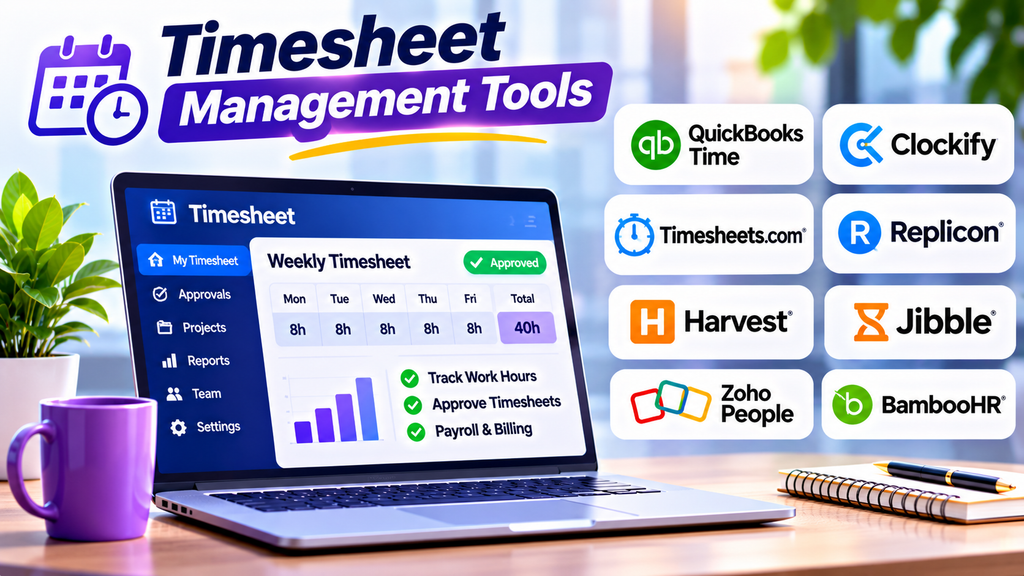
Timesheet management tools help organizations record employee working hours, review submitted timesheets, approve attendance records, and prepare accurate payroll and project reports. They reduce manual data entry, improve accountability, and provide a consistent process for tracking time across teams.
These tools are particularly useful for businesses with hourly employees, remote teams, consultants, field workers, and client-billing requirements. By centralizing time records and approval workflows, organizations can improve accuracy and reduce administrative effort.
What Are Timesheet Management Tools?
Timesheet management tools are software applications that allow employees to record the hours they work on specific dates, tasks, projects, or clients. Managers can review submissions, request corrections, approve records, and export time data for payroll or billing.
Depending on the platform, features may include weekly timesheets, mobile time entry, overtime calculations, approval workflows, project codes, leave tracking, audit trails, and integrations with HR, payroll, and accounting systems.
Popular Timesheet Management Tools
1. QuickBooks Time
QuickBooks Time provides employee time tracking, digital timesheets, scheduling, and reporting. Approved hours can support payroll processing and project costing within compatible workflows.
Best for: Small and midsize businesses managing hourly employees and payroll-related time records.
2. Clockify
Clockify supports timers, manual time entries, timesheets, team reporting, and project-based tracking. Employees can record work hours while managers review time records and analyze project effort.
Best for: Businesses and teams looking for flexible timesheet tracking.
3. Timesheets.com
Timesheets.com provides time and attendance tracking, employee timesheets, expense tracking, and related workforce administration features. It supports organizations that need a structured way to collect and review employee work records.
Best for: Small businesses and organizations managing employee time and expenses.
4. Replicon
Replicon offers time tracking and workforce time management capabilities for organizations with complex time policies and reporting requirements. Its solutions can support project time, compliance-related processes, and detailed time data management.
Best for: Enterprises managing complex time policies and global workforces.
5. Harvest
Harvest combines time tracking, project reporting, expense tracking, and invoicing. Teams can review recorded hours by project or client and use approved data to support billing and budget monitoring.
Best for: Agencies, freelancers, and professional services businesses.
6. Jibble
Jibble offers timesheets, employee time tracking, attendance features, and reporting. Depending on the configuration, it can support clock-in and clock-out workflows alongside timesheet review.
Best for: Businesses that need straightforward time records and attendance tracking.
7. Zoho People
Zoho People provides HR management capabilities that include attendance, timesheets, and employee-related workflows, depending on the plan and configuration. It can help businesses connect time records with broader HR administration.
Best for: Organizations seeking HR and timesheet capabilities within one ecosystem.
8. BambooHR
BambooHR is an HR platform with employee records, time-off management, and time-tracking or timesheet capabilities that may depend on the product setup and integrations used. It can help HR teams coordinate employee information with related time processes.
Best for: Small and midsize businesses seeking connected HR administration.
Timesheet Management Tools Comparison
| Platform | Main Strength | Suitable For |
|---|---|---|
| QuickBooks Time | Employee hours and payroll workflows | Hourly workforces |
| Clockify | Flexible time entries and reports | Teams and project-based work |
| Timesheets.com | Timesheets and expense tracking | Small businesses |
| Replicon | Complex time management | Large enterprises |
| Harvest | Project time and invoicing | Agencies and consultants |
| Jibble | Time and attendance records | Small and midsize teams |
| Zoho People | HR-connected time processes | Businesses using Zoho |
| BambooHR | Employee administration | HR-focused organizations |
Essential Features to Look For
Digital timesheet entry: Allow employees to record daily or weekly hours through web and mobile interfaces.
Approval workflows: Enable supervisors to review, approve, reject, or return submissions for corrections.
Overtime and work rules: Support relevant overtime calculations, shift rules, and organizational policies where available.
Project and client coding: Associate hours with projects, tasks, departments, or clients for cost analysis and billing.
Payroll integrations: Transfer approved time data to compatible payroll systems while reducing duplicate entry.
Audit trails: Maintain records of submissions, edits, approvals, and other important changes.
Reporting and analytics: Generate reports on working hours, overtime, project effort, and missing or incomplete timesheets.
Access controls and security: Protect employee time records and restrict access according to job responsibilities.
How to Choose the Right Timesheet Management Tool
Start by understanding how your organization records time today and where errors or delays occur. A small business may need simple digital timesheets and approvals, while a large enterprise may require complex work rules, multi-location reporting, and stronger compliance controls.
Evaluate employee usability, manager approval processes, payroll compatibility, project tracking, reporting, security, and pricing. Confirm whether the system supports your organization’s work schedules and relevant policies.
Run a pilot with a representative group of employees and managers. Test time entry, correction requests, approvals, and payroll exports before deploying the system more widely.
Best Practices for Effective Timesheet Management
- Establish clear deadlines for submitting timesheets.
- Explain how regular hours, overtime, leave, and project time should be recorded.
- Ask employees to submit time records consistently rather than reconstructing them later.
- Review missing entries and unusual records promptly.
- Define who is responsible for reviewing and approving submissions.
- Reconcile approved hours with payroll and project records.
- Restrict access to sensitive employee information.
- Review recurring errors and simplify workflows where possible.
Conclusion
Timesheet management tools help organizations collect, approve, and analyze work-hour records more consistently. Platforms such as QuickBooks Time, Clockify, Timesheets.com, Replicon, Harvest, Jibble, Zoho People, and BambooHR offer different capabilities for employee time records, project tracking, and HR administration.
The right choice depends on workforce size, payroll requirements, project-billing needs, and the complexity of time policies. With clear procedures and reliable integrations, timesheet management software can reduce administrative work and support more accurate payroll and reporting.
