Upgrade & Secure Your Future with DevOps, SRE, DevSecOps, MLOps!
We spend hours scrolling social media and waste money on things we forget, but won’t spend 30 minutes a day earning certifications that can change our lives.
Master in DevOps, SRE, DevSecOps & MLOps by DevOps School!
Learn from Guru Rajesh Kumar and double your salary in just one year.
Introduction
Kanban tools help teams visualize their work, manage tasks, identify bottlenecks, and improve workflow efficiency. Using visual boards and clearly defined work stages, these platforms make it easier to understand what needs to be done, what is currently in progress, and what has been completed.
Kanban is widely used in software development, marketing, operations, project management, and personal productivity. By limiting work in progress and improving workflow visibility, teams can reduce delays and deliver work more consistently.
What Are Kanban Tools?
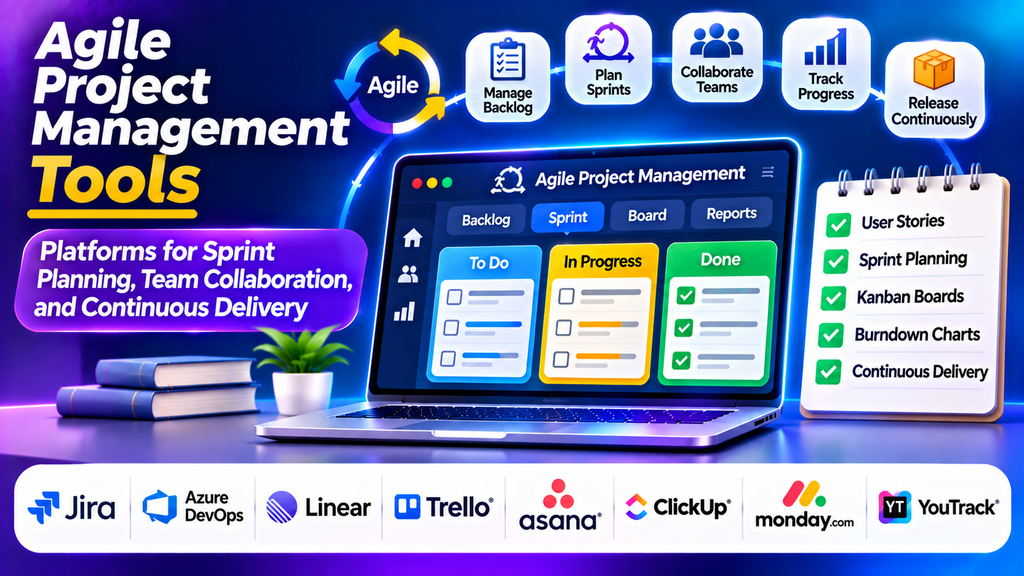
Kanban tools are digital platforms that help teams organize tasks into workflow stages, typically represented by columns such as Backlog, To Do, In Progress, Review, and Done. Individual tasks appear as cards that move across the board as work progresses.
Unlike approaches that require work to be organized into fixed-length sprints, Kanban generally supports continuous workflow. Teams can introduce work as capacity becomes available, monitor work in progress, and identify stages where tasks are accumulating.
Common features include customizable boards, task assignments, due dates, work-in-progress limits, automation, reporting, and integrations with other business applications.
Popular Kanban Tools
1. Trello
Trello is a visual task management platform built around boards, lists, and cards. Users can create workflow stages, assign team members, add checklists, set deadlines, and automate repetitive actions.
Its simple interface makes it easy for beginners to understand and adopt Kanban principles.
Best for: Small teams, content calendars, personal projects, and straightforward workflows.
2. Jira
Jira provides configurable Kanban boards alongside issue tracking, backlog management, workflow rules, and reporting. Teams can visualize software development work, monitor bottlenecks, and manage issues through different stages.
Best for: Software development, IT operations, and technical teams.
3. Kanbanize
Kanbanize, now associated with the Businessmap brand, focuses on visual workflow management, work-in-progress control, automation, and analytics. It supports teams coordinating complex processes across multiple workflows.
Best for: Organizations seeking advanced Kanban practices and workflow visibility.
4. Asana
Asana offers board views that allow teams to organize work into stages, assign responsibilities, and monitor deadlines. Teams can combine Kanban-style task tracking with timelines, dependencies, and broader project coordination.
Best for: Marketing teams, business operations, and cross-functional projects.
5. ClickUp
ClickUp provides customizable Kanban boards alongside lists, calendars, dashboards, and automation. Teams can define their workflow stages and track tasks within a broader work management environment.
Best for: Teams that want Kanban boards alongside other project management features.
6. monday.com
monday.com supports visual boards, status tracking, customizable fields, workflow automation, and dashboards. Teams can adapt board structures to different processes and monitor progress across departments.
Best for: Businesses that need flexible workflows and configurable reporting.
7. Azure DevOps Boards
Azure DevOps Boards provides Kanban boards, work item tracking, backlogs, and configurable team workflows. It is particularly useful when work tracking needs to connect with code repositories and software delivery pipelines.
Best for: Development teams using the Azure DevOps ecosystem.
8. Kanban Tool
Kanban Tool offers visual boards, task cards, analytics, and time-tracking capabilities. Its straightforward interface supports teams that want to organize tasks and understand how work moves through a process.
Best for: Teams seeking a dedicated visual Kanban workspace.
Kanban Tools Comparison
| Platform | Main Strength | Suitable For |
|---|---|---|
| Trello | Simple visual boards | Small teams and individuals |
| Jira | Issue tracking and workflow control | Software and IT teams |
| Businessmap | Advanced workflow analytics | Complex organizational processes |
| Asana | Cross-functional coordination | Business and marketing teams |
| ClickUp | Flexible work management | Multi-purpose teams |
| monday.com | Customizable boards and automation | Business workflows |
| Azure DevOps Boards | Development workflow integration | Engineering teams |
| Kanban Tool | Dedicated visual task management | General team workflows |
Essential Features to Look For
Customizable Kanban boards: Create columns that reflect your actual workflow, from incoming requests to completed work.
Work-in-progress limits: Set limits on how many tasks can occupy a stage at once, helping teams avoid overload and uncover bottlenecks.
Task ownership and deadlines: Assign responsibility, establish due dates, add checklists, and keep important details attached to each task.
Workflow automation: Automatically notify team members, update task fields, or move work when predefined conditions are met.
Analytics and reporting: Monitor cycle time, lead time, throughput, and work accumulation to understand workflow performance.
Collaboration and integrations: Connect boards with communication platforms, development tools, document systems, and other applications.
Permissions and security: Ensure that users have appropriate access to project information and sensitive tasks.
How to Choose the Right Kanban Tool
Start by identifying your workflow complexity and team requirements. A small team managing content or everyday tasks may find Trello sufficient. Software teams may prefer Jira or Azure DevOps Boards, while organizations managing several connected workflows may need more advanced analytics and automation.
Compare usability, customization, integrations, reporting, pricing, security, and scalability. Check whether the platform supports work-in-progress limits and the workflow metrics your team needs.
Test a small workflow before rolling the tool out across the organization. Choose a solution that team members can update consistently without adding unnecessary administration.
Best Practices for Effective Kanban
- Map the actual workflow before creating board columns.
- Define clear entry and completion criteria for each stage.
- Set realistic work-in-progress limits.
- Keep task cards concise and assign clear ownership.
- Review blocked tasks and bottlenecks regularly.
- Use cycle time and throughput data to identify improvement opportunities.
- Automate repetitive actions without making the workflow difficult to understand.
- Review and refine the board as team requirements change.
Conclusion
Kanban tools help teams visualize work, manage task flow, and improve delivery consistency. Platforms such as Trello, Jira, Businessmap, Asana, ClickUp, monday.com, Azure DevOps Boards, and Kanban Tool offer different levels of workflow customization and reporting.
The best solution depends on team size, workflow complexity, integration requirements, and reporting needs. With clear workflow stages, sensible work-in-progress limits, and regular reviews, Kanban tools can make work more transparent and help teams identify opportunities for continuous improvement.
