Upgrade & Secure Your Future with DevOps, SRE, DevSecOps, MLOps!
We spend hours scrolling social media and waste money on things we forget, but won’t spend 30 minutes a day earning certifications that can change our lives.
Master in DevOps, SRE, DevSecOps & MLOps by DevOps School!
Learn from Guru Rajesh Kumar and double your salary in just one year.
Introduction
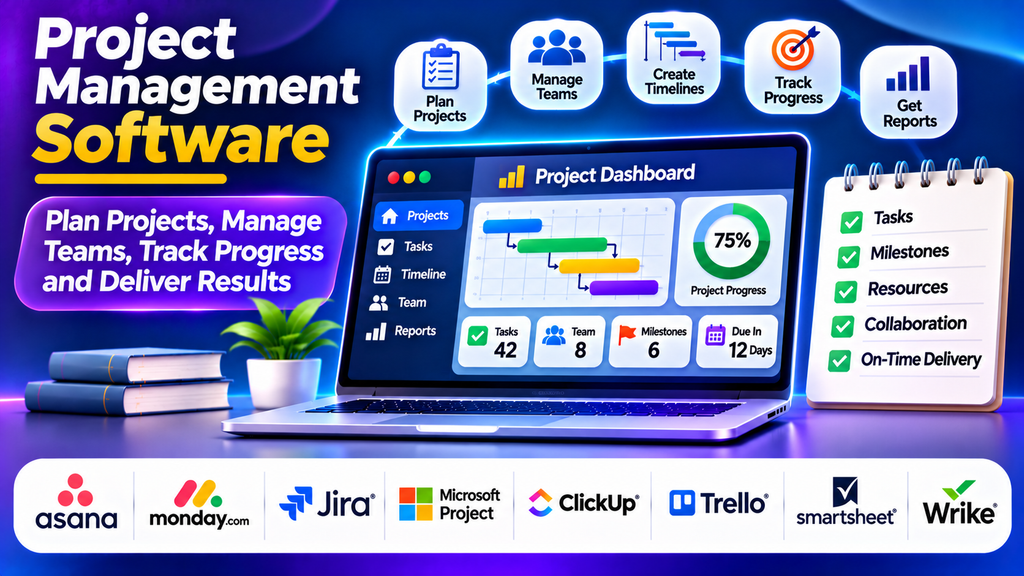
Project management software helps businesses plan projects, coordinate teams, manage resources, and monitor progress from start to finish. These platforms provide a centralized workspace where project managers can organize tasks, assign responsibilities, set deadlines, track milestones, and evaluate performance.
As organizations manage increasingly complex workflows, project management software plays an important role in improving collaboration, reducing delays, and ensuring projects stay aligned with business objectives.
What Is Project Management Software?
Project management software is a digital platform designed to support the planning, execution, monitoring, and completion of projects. It helps teams divide large objectives into smaller tasks, establish schedules, allocate resources, and identify potential risks before they affect delivery.
Modern tools often include task boards, Gantt charts, calendars, time tracking, document sharing, project dashboards, reporting, and workflow automation. Some platforms focus on agile software development, while others support enterprise planning and complex project schedules.
Popular Project Management Software Platforms
1. Asana
Asana helps teams organize projects, assign tasks, manage deadlines, and monitor progress. It offers multiple project views, including lists, boards, calendars, and timelines. Teams can use dependencies and workflow automation to coordinate activities across departments.
Best for: Marketing teams, cross-functional projects, and business operations.
2. monday.com
monday.com provides customizable workspaces for managing projects, workflows, resources, and team communication. Its visual boards, automation features, and dashboards help teams adapt the platform to different business processes.
Best for: Teams that need flexible project tracking and customized workflows.
3. Jira
Jira is widely used by software development teams to manage backlogs, track issues, plan sprints, and monitor releases. It supports Scrum and Kanban workflows and provides reporting capabilities for agile delivery.
Best for: Software engineering, IT teams, and agile project management.
4. Microsoft Project
Microsoft Project provides detailed project scheduling, Gantt charts, task dependencies, resource allocation, and progress tracking. It is particularly useful when projects require structured timelines and detailed planning.
Best for: Complex projects, enterprise scheduling, and resource-intensive initiatives.
5. ClickUp
ClickUp combines tasks, documents, goals, dashboards, and project planning in a single workspace. Its customizable views and collaboration features help teams manage different types of work in one place.
Best for: Teams looking for an all-in-one project management solution.
6. Trello
Trello uses visual Kanban boards, lists, and cards to organize tasks. Its simple interface makes it easy to see which activities are pending, underway, or completed.
Best for: Small teams, straightforward projects, and content planning.
7. Smartsheet
Smartsheet combines spreadsheet-style project planning with collaboration, reporting, automation, and workflow management. It is useful for teams that prefer structured rows and columns while needing more advanced project visibility.
Best for: Operations teams, project reporting, and spreadsheet-oriented workflows.
8. Wrike
Wrike supports project scheduling, task management, workload planning, approvals, dashboards, and collaboration. Its reporting and resource management features help teams coordinate multiple projects.
Best for: Agencies, professional services organizations, and larger teams.
Project Management Software Comparison
| Platform | Main Strength | Suitable For |
|---|---|---|
| Asana | Team coordination | Cross-functional projects |
| monday.com | Customizable workflows | Flexible business operations |
| Jira | Agile development | Software and IT teams |
| Microsoft Project | Detailed scheduling | Complex project plans |
| ClickUp | Combined work management | Multi-purpose teams |
| Trello | Visual task boards | Small and simple projects |
| Smartsheet | Spreadsheet-style planning | Operations and reporting |
| Wrike | Workload management | Agencies and larger teams |
Essential Features to Consider
Task and milestone management: Assign ownership, set deadlines, define priorities, and track deliverables.
Project scheduling: Use calendars, timelines, Gantt charts, and dependencies to coordinate activities and identify scheduling conflicts.
Team collaboration: Share files, comment on tasks, exchange updates, and centralize project discussions.
Resource management: Monitor team capacity, distribute workloads, and reduce resource conflicts.
Dashboards and reporting: Review project status, overdue activities, completed milestones, and performance indicators.
Automation and integrations: Reduce repetitive administrative work and connect project management with communication, document management, and business applications.
Security and permissions: Manage access to sensitive project information using suitable roles and permissions.
How to Choose the Right Project Management Software
Begin by identifying your project types, team size, workflow complexity, and reporting requirements. Small teams with straightforward needs may prefer Trello, while development teams may benefit from Jira. Organizations requiring detailed scheduling may find Microsoft Project more appropriate.
Evaluate ease of use, pricing, integration capabilities, scalability, security, and customer support. Consider whether employees can adopt the platform without extensive training and whether it integrates with tools they already use.
Before committing to a platform, test it with a real project. Collect feedback from team members and evaluate whether it improves visibility, accountability, and coordination.
Best Practices for Successful Implementation
- Define project objectives, scope, milestones, and success criteria before starting.
- Assign a clear owner and deadline to every important task.
- Break large projects into manageable activities.
- Update project status consistently and review risks regularly.
- Use dashboards to identify bottlenecks and resource shortages.
- Keep project documents and discussions organized.
- Review completed projects to identify lessons for future work.
Conclusion
Project management software enables organizations to coordinate tasks, people, resources, and deadlines more effectively. Platforms such as Asana, monday.com, Jira, Microsoft Project, ClickUp, Trello, Smartsheet, and Wrike offer different capabilities for different project requirements.
Choosing the right solution depends on team size, project complexity, workflow preferences, and business goals. With clear processes and consistent adoption, project management software can strengthen collaboration, improve accountability, and support more predictable project delivery.
