Upgrade & Secure Your Future with DevOps, SRE, DevSecOps, MLOps!
We spend hours scrolling social media and waste money on things we forget, but won’t spend 30 minutes a day earning certifications that can change our lives.
Master in DevOps, SRE, DevSecOps & MLOps by DevOps School!
Learn from Guru Rajesh Kumar and double your salary in just one year.
What Are Task Management Tools?
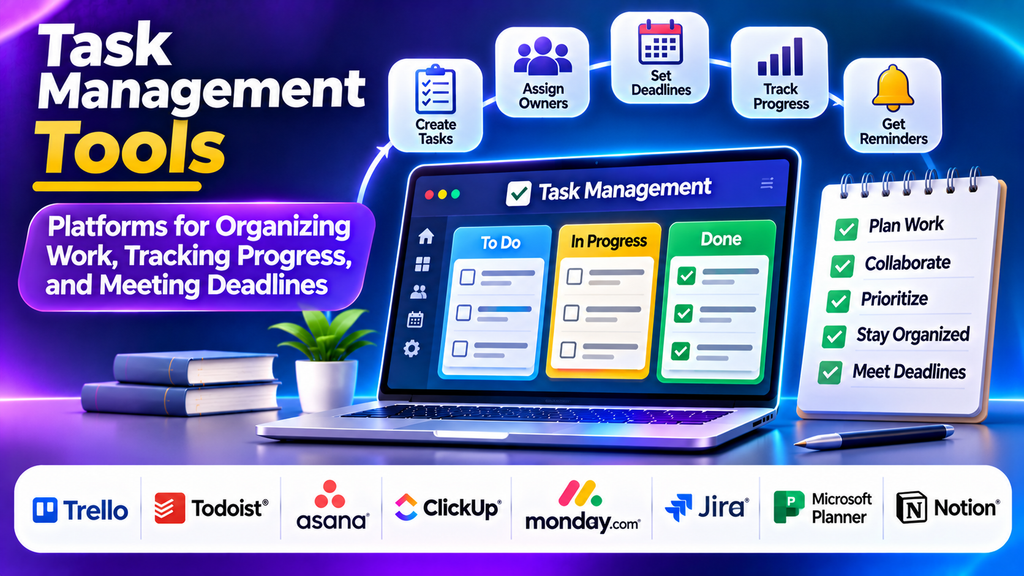
Task management tools help individuals and teams organize work, assign responsibilities, set deadlines, prioritize activities, and track progress. Instead of managing tasks through scattered notes, emails, and spreadsheets, users can maintain a shared workspace that makes responsibilities and next steps easier to understand.
These platforms are useful for project coordination, marketing campaigns, software development, daily operations, content planning, and personal productivity. Depending on the product, they may include recurring tasks, notifications, collaboration features, reporting, automation, and integrations with other business applications.
The right tool can reduce missed deadlines, improve accountability, and help teams focus on completing important work.
Popular Task Management Tools
1. Trello
Trello organizes work through visual boards, lists, and cards. Users can move tasks between stages, assign team members, add due dates, and maintain checklists. Best for small teams, content calendars, personal projects, and visual task tracking.
2. Todoist
Todoist focuses on personal productivity and straightforward task organization, including priorities and recurring activities. Best for freelancers, students, professionals, and individuals managing daily tasks.
3. Asana
Asana helps teams coordinate tasks, projects, responsibilities, and deadlines through lists, boards, calendars, and timelines. Best for marketing teams, operations departments, and cross-functional projects.
4. ClickUp
ClickUp combines task management with documents, dashboards, custom fields, time tracking, and multiple project views. Best for teams seeking a configurable work management platform.
5. monday.com
monday.com provides visual boards, customizable workflows, assignments, and automation capabilities. Best for teams needing visual workflow management and configurable processes.
6. Jira
Jira supports software issue tracking, backlogs, sprint planning, bug tracking, and agile workflows. Best for software developers and product teams.
7. Microsoft Planner
Microsoft Planner supports task assignment, due dates, progress tracking, and visual task organization within the Microsoft ecosystem. Best for Microsoft 365 users.
8. Notion
Notion combines task tracking with documents, notes, databases, and project information. Best for content teams, researchers, startups, and knowledge-based teams.
Task Management Tool Comparison
| Tool | Main Strength | Best Fit |
|---|---|---|
| Trello | Visual boards and cards | Small teams and simple workflows |
| Todoist | Personal task organization | Individual productivity |
| Asana | Team and project coordination | Cross-functional work |
| ClickUp | Customization and connected features | Flexible team workspaces |
| monday.com | Visual workflow configuration | Operations and campaign tracking |
| Jira | Software issue tracking | Development teams |
| Microsoft Planner | Microsoft ecosystem integration | Microsoft 365 users |
| Notion | Tasks and documentation together | Knowledge-based teams |
Features, pricing, and usage limits vary by plan, so review the current offering before making a purchase decision.
Essential Features to Look For
- Task assignment and clear ownership.
- Due dates and reminders.
- Prioritization for urgent work.
- Recurring tasks where supported.
- Collaboration through comments and attachments.
- Task dependencies.
- Progress tracking for completed, pending, overdue, and blocked work.
- Reporting and dashboards.
- Integrations with calendars, email, communication tools, and business applications.
- Security and permissions.
How to Choose the Right Task Management Tool
Define the work you want to organize. A freelancer may need a simple list, a marketing team may need approvals and calendars, and a software team may require issue tracking and sprint planning. Consider users, workflow complexity, collaboration, mobile access, integrations, data export, and administrative controls. Evaluate total cost, including training, configuration, seats, and automation limits. Test shortlisted tools with a real workflow before deciding.
Best Practices for Effective Task Management
Assign clear ownership. Break large activities into manageable steps. Set realistic deadlines based on effort and dependencies. Keep task information current. Avoid unnecessary notifications. Review priorities regularly. Measure outcomes such as completion time, missed deadlines, workload balance, and quality.
Conclusion
Task management tools help organizations organize responsibilities, coordinate collaboration, track progress, and meet deadlines. Trello and Todoist support straightforward organization; Asana and ClickUp offer broader team coordination; monday.com provides configurable workflows; Jira supports software development; Microsoft Planner fits Microsoft environments; and Notion connects tasks with documentation. The best platform matches your workflow, budget, integrations, and team’s ability to maintain it consistently.
