Upgrade & Secure Your Future with DevOps, SRE, DevSecOps, MLOps!
We spend hours scrolling social media and waste money on things we forget, but won’t spend 30 minutes a day earning certifications that can change our lives.
Master in DevOps, SRE, DevSecOps & MLOps by DevOps School!
Learn from Guru Rajesh Kumar and double your salary in just one year.
Introduction
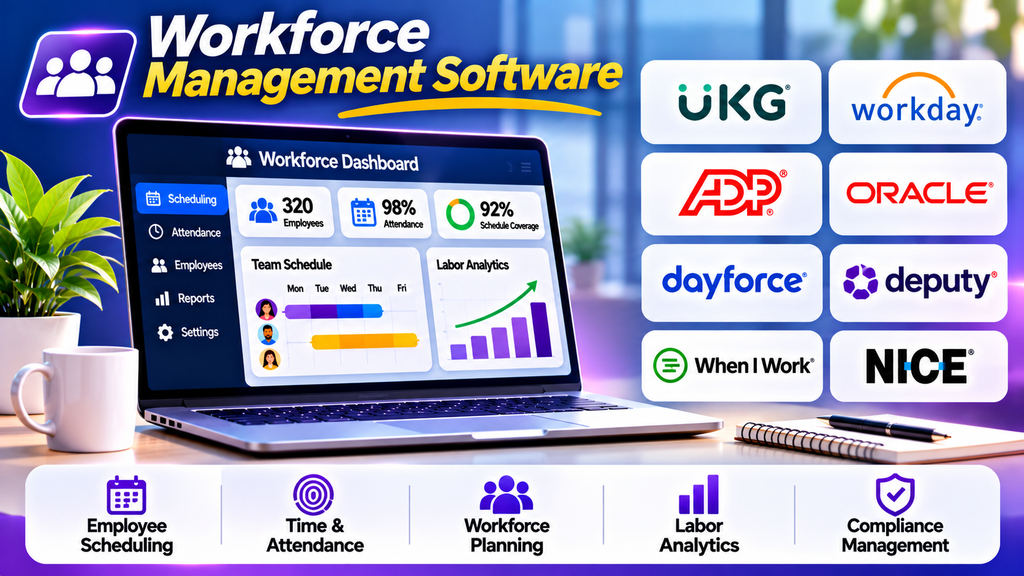
Workforce management software helps organizations plan staffing requirements, schedule employees, monitor labor costs, and improve workforce productivity. These platforms bring together scheduling, attendance, forecasting, leave management, and workforce reporting to help businesses maintain appropriate staffing levels.
Organizations in retail, healthcare, manufacturing, hospitality, customer service, and other shift-based industries use workforce management tools to coordinate employees across locations and operating hours. By improving visibility into staffing needs, these systems can reduce scheduling conflicts, control labor expenses, and support more efficient operations.
What Is Workforce Management Software?
Workforce management software is a digital platform that helps businesses manage the operational aspects of their workforce. It supports activities such as forecasting staffing demand, creating employee schedules, recording working hours, managing absences, and analyzing labor utilization.
Depending on the platform, features may include demand forecasting, shift scheduling, time and attendance, overtime monitoring, employee self-service, compliance rules, and integration with payroll or human resources systems.
Popular Workforce Management Software Platforms
1. UKG
UKG offers workforce management solutions that support employee scheduling, timekeeping, attendance, labor planning, and workforce analytics. Its capabilities help organizations coordinate employees while monitoring staffing requirements and labor costs.
Best for: Mid-sized and large organizations with complex workforce requirements.
2. Workday
Workday provides enterprise human capital management capabilities, including workforce planning, employee data management, analytics, and related scheduling capabilities through its product ecosystem.
Best for: Enterprises seeking connected workforce planning and HR processes.
3. ADP Workforce Manager
ADP offers workforce management capabilities that can support scheduling, time and attendance, labor reporting, and payroll-related processes. Available features depend on the product and configuration.
Best for: Businesses looking to connect workforce administration with payroll processes.
4. Oracle Fusion Cloud HCM
Oracle Fusion Cloud HCM provides enterprise HR and workforce capabilities, including workforce planning, employee management, analytics, and related operational processes.
Best for: Enterprises requiring integrated HR data and workforce planning.
5. Dayforce
Dayforce combines HR, payroll, workforce management, scheduling, and time tracking capabilities within a connected platform. Its tools can help managers coordinate staffing and understand labor requirements.
Best for: Organizations seeking connected workforce management and payroll workflows.
6. Deputy
Deputy focuses on employee scheduling, shift management, time tracking, and workforce coordination. Managers can create schedules, communicate changes, and monitor staff availability.
Best for: Retail, hospitality, healthcare, and other shift-based businesses.
7. When I Work
When I Work provides employee scheduling, time tracking, availability management, and team communication features. Its mobile-oriented approach helps employees view schedules and request changes.
Best for: Small and midsize businesses managing hourly employees.
8. NICE Workforce Management
NICE Workforce Management helps contact centers forecast workload, plan staffing, schedule agents, and monitor workforce performance. It is designed for environments where staffing must align closely with changing customer demand.
Best for: Contact centers and customer service operations.
Workforce Management Software Comparison
| Platform | Main Strength | Suitable For |
|---|---|---|
| UKG | Enterprise workforce management | Complex workforce operations |
| Workday | Connected HR and planning | Large organizations |
| ADP Workforce Manager | Time and payroll workflows | Payroll-focused businesses |
| Oracle Fusion Cloud HCM | Enterprise HR capabilities | Large enterprises |
| Dayforce | Connected HR, payroll, and scheduling | Mid-sized and large employers |
| Deputy | Shift scheduling | Retail and hospitality |
| When I Work | Accessible employee scheduling | Small and midsize teams |
| NICE Workforce Management | Demand-based staffing | Contact centers |
Essential Features to Look For
Demand forecasting: Estimate staffing requirements using historical demand, business activity, and expected workload.
Employee scheduling: Build schedules based on availability, qualifications, shift requirements, and staffing levels.
Time and attendance: Record clock-ins, clock-outs, breaks, absences, and working hours.
Labor cost management: Monitor scheduled hours, overtime, and labor spending against business targets.
Leave and availability management: Track employee availability and leave requests to reduce scheduling conflicts.
Employee self-service: Allow employees to view schedules, request time off, and receive shift updates through supported interfaces.
Workforce analytics: Review staffing levels, overtime, attendance patterns, and labor utilization.
Integrations and compliance: Connect workforce data with payroll and HR systems while supporting applicable labor rules and internal policies.
How to Choose the Right Workforce Management Software
Begin by assessing your workforce size, number of locations, scheduling complexity, payroll requirements, and industry-specific needs. A small restaurant may primarily need shift scheduling and availability management, while a large enterprise may require forecasting, advanced analytics, and centralized workforce planning.
Compare usability, mobile access, integrations, reporting, security, scalability, and total cost. Check whether the software supports your shift patterns, overtime policies, employee roles, and approval processes.
Run a pilot at one team or location before deploying the platform across the organization. Evaluate schedule accuracy, employee adoption, manager workload, and the quality of workforce reports.
Best Practices for Effective Workforce Management
- Forecast staffing requirements before creating employee schedules.
- Keep employee availability and qualifications up to date.
- Publish schedules with enough notice for employees to plan.
- Monitor overtime and workload distribution consistently.
- Establish clear procedures for shift swaps, absences, and schedule changes.
- Review labor reports alongside service quality and employee well-being.
- Protect employee data with appropriate access controls.
- Reassess staffing patterns as demand and business priorities change.
Conclusion
Workforce management software helps organizations coordinate staffing, manage working hours, control labor costs, and improve operational visibility. Platforms such as UKG, Workday, ADP Workforce Manager, Oracle Fusion Cloud HCM, Dayforce, Deputy, When I Work, and NICE Workforce Management serve different workforce requirements.
The right solution depends on workforce size, scheduling complexity, industry needs, and integration requirements. With reliable workforce data and consistent scheduling practices, these platforms can support more efficient operations and better-informed staffing decisions.
